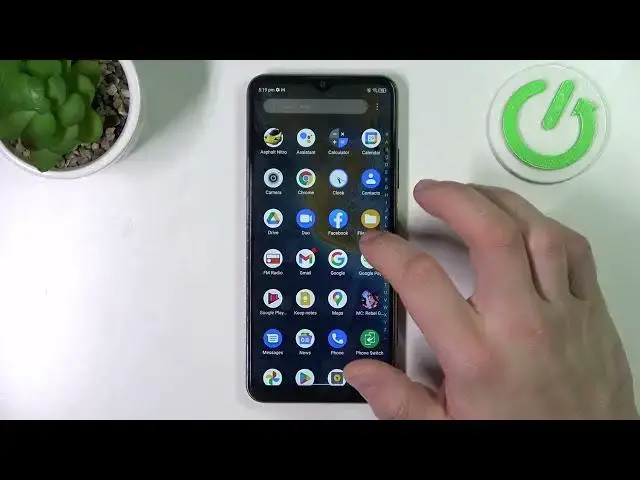

How to Get Rid of Cards from Google Wallet in ZTE Blade A71 - Remove Cards from Google Pay App
Mar 25, 2024

Check out more info about ZTE BLADE A71: https://www.hardreset.info/devices/zte/zte-blade-a71/tutorials/
If you wish to Get Rid of Cards from Google Wallet in ZTE Blade A71 -, then look up! In this video, we’ll show you how to locate Google Pay App Settings and delete any Card you don’t need, within seconds. So, stay with us, follow all instructions and decide which Cards you want to Remove, with the help of or expert. Let's begin!
How to Remove Different Cards in ZTE BLADE A71? How to Remove Your Cards to Google Wallet in ZTE BLADE A71? How to Remove Cards in ZTE BLADE A71? How to Delete Cards to Google Wallet in ZTE BLADE A71? How to Delete Different Cards in ZTE BLADE A71?
#ZTEBladeA71 #DeleteDifferentCards #GooglePay
Follow us on Instagram ► https://www.instagram.com/hardreset.info
Like us on Facebook ► https://www.facebook.com/hardresetinfo/
Tweet us on Twitter ► https://twitter.com/HardResetI
Support us on TikTok ►https://tiktok.com/@hardreset.info
Use Reset Guides for many popular Apps ► https://www.hardreset.info/apps/apps/
Show More Show Less