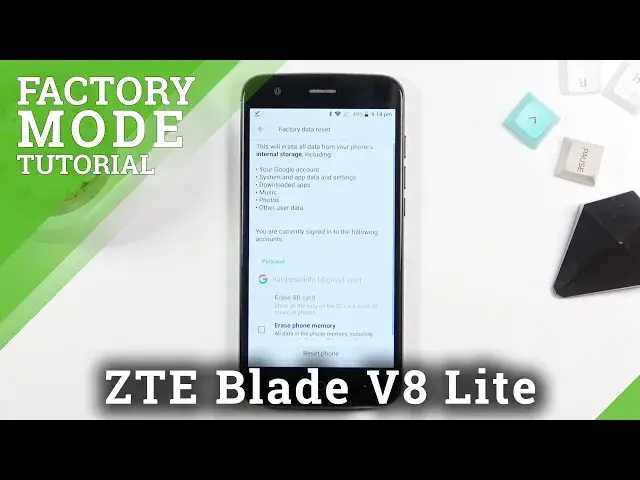

How to Factory Reset ZTE Blade V8 Lite - Hard Reset / Restore Factory Settings
Apr 11, 2024

ZTE Blade V8 Lite Hard Reset:
https://www.hardreset.info/devices/zte/zte-blade-v8-lite/
Is your ZTE Blade V8 Lite running slowly? The best way to improve ZTE Blade V8 Lite performance and format system is by hard reset ZTE Blade V8 Lite. Follow our steps and factory reset ZTE Blade V8 Lite. This operation will remove all personal data, customized settings and installed apps. As a result you will bring back default configuration of ZTE Blade V8 Lite.
How to hard reset ZTE Blade V8 Lite? How to master reset ZTE Blade V8 Lite? How to factory reset ZTE Blade V8 Lite? How to restore ZTE Blade V8 Lite? How to delete data on ZTE Blade V8 Lite? How to remove everything from ZTE Blade V8 Lite? How to reset ZTE Blade V8 Lite?
#ZteBladeV8 #FactoryReset #HardReset
Follow us on Instagram ► https://www.instagram.com/hardreset.info
Like us on Facebook ► https://www.facebook.com/hardresetinfo/
Tweet us on Twitter ► https://twitter.com/HardResetI
Support us on TikTok ► https://www.tiktok.com/@hardreset.info
Use Reset Guides for many popular Apps ► https://www.hardreset.info/apps/apps/
Show More Show Less