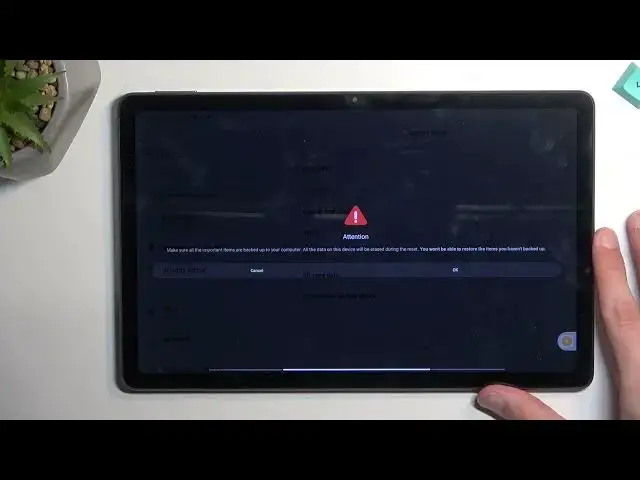

How to Factory Reset the XIAOMI Redmi Pad through Settings - Hard Reset - Master Reset - Erase Data
Mar 25, 2024

Learn more about the XIAOMI Redmi Pad: https://www.hardreset.info/devices/xiaomi/xiaomi-redmi-pad/tutorials/
In this video guide, our specialist is going to comprehensively lead you through the process of hard resetting the XIAOMI Redmi Pad tablet, which is going to erase all data from the device as well as restore factory default settings and preferences for everything - camera, network, apps, etc. Thereby, we would like to casually invite you to view this video and learn how to correctly factory reset the XIAOMI Redmi Pad device. Please enjoy and thanks for watching!
How to hard reset the XIAOMI Redmi Pad? How to master reset the XIAOMI Redmi Pad? How to erase all data from XIAOMI Redmi Pad? How to remove all files from XIAOMI Redmi Pad? How to restore all settings to default on the XIAOMI Redmi Pad? How to hard reset the XIAOMI Redmi Pad through device settings?
#XIAOMIRedmiPad #HardReset #XIAOMIFactoryReset
Follow us on Instagram ► https://www.instagram.com/hardreset.info
Like us on Facebook ►
https://www.facebook.com/hardresetinfo/
Tweet us on Twitter ► https://twitter.com/HardResetI
Support us on TikTok ► https://www.tiktok.com/@hardreset.info
Use Reset Guides for many popular Apps ► https://www.hardreset.info/apps/apps/
Show More Show Less