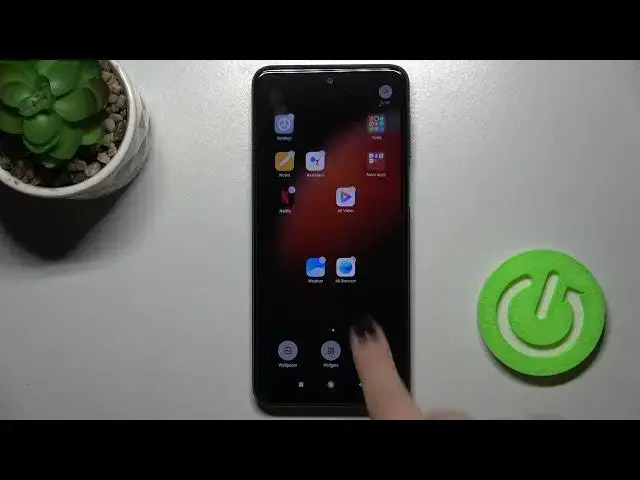

How to Enable/Disable Google Feed on XIAOMI REDMI NOTE 9 PRO – Google Feed
Apr 9, 2024

To learn more tutorials about XIAOMI REDMI NOTE 9 PRO:
https://www.hardreset.info/devices/redmi/redmi-note-9-pro/tutorials/
Hi there! Are you looking for a way, how to Enable/Disable Google Feed on XIAOMI REDMI NOTE 9 PRO? In this video, our expert is going to demonstrate to you how to open the home screen settings and then show you how to easily Allow Google Feed to be shown or how to Hide Google Feed on XIAOMI REDMI NOTE 9 PRO. Follow all the instructions step-by-step described by our specialist and try to perform this operation yourself successfully just in a couple of simple moves. If this video was useful for you, leave a thumbs up, leave a comment, and subscribe to our Channel. If you have any questions, feel free to ask them in a comment. Visit our YouTube Channel to discover more tutorials about your XIAOMI REDMI NOTE 9 PRO. Thank you for watching this video!
How to Disable Google Feed on XIAOMI REDMI NOTE 9 PRO?
How to Turn Off Google Feed on XIAOMI REDMI NOTE 9 PRO?
How to Switch Off Google Feed on XIAOMI REDMI NOTE 9 PRO?
How to Hide Google Feed on XIAOMI REDMI NOTE 9 PRO?
How to Open Home Screen Settings on XIAOMI REDMI NOTE 9 PRO?
How to Stop Display Google Feed on XIAOMI REDMI NOTE 9 PRO?
How to Enable Google Feed on XIAOMI REDMI NOTE 9 PRO?
How to Turn On Google Feed on XIAOMI REDMI NOTE 9 PRO?
How to Show Google Feed on XIAOMI REDMI NOTE 9 PRO?
How to Allow Google Feed on XIAOMI REDMI NOTE 9 PRO?
#XIAOMIREDMINOTE9PRO #DisableGoogleFeed #TurnOffGoogleFeed
Follow us on Instagram ► https://www.instagram.com/hardreset.info
Like us on Facebook ► https://www.facebook.com/hardresetinfo/
Tweet us on Twitter ► https://twitter.com/HardResetI
Show More Show Less