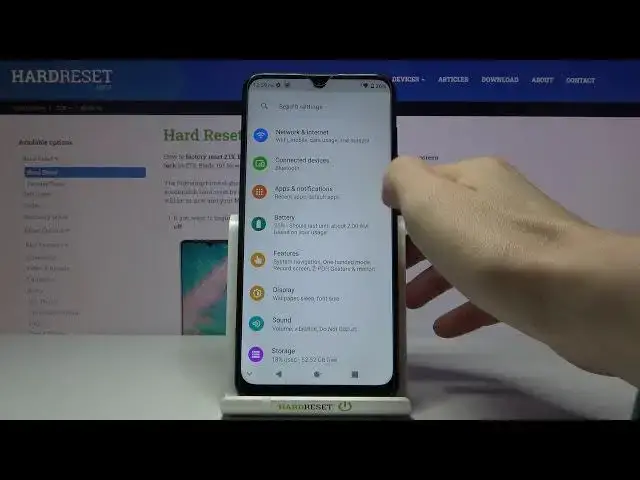

How to Enable Unknown Sources on ZTE Blade 10 - Install Apps from Unknown Sources
Apr 23, 2024

Discover more details: https://www.hardreset.info/devices/zte/zte-blade-10/
Today we want to show you a step-by-step tutorial on how to allow ZTE BLADE 10 to download apps from unknown sources. Please note that this process is not safe as you may accidentally download viruses or malware, so you do so at your own risk. The safest way is to download the application from the Google Play Store, but if you cannot find the app, download it from another source and next make a virus scan.
How to enable unknown sources in ZTE BLADE 10? How to enable installation from unknown sources in ZTE BLADE 10? How to allow apps installation in ZTE BLADE 10? How to install app from unknown sources on ZTE BLADE 10? How to download apps from unknown sources in ZTE BLADE 10? How to download apps from browser on ZTE BLADE 10? How to Install Unknown Apps on ZTE BLADE 10? How to download unknown apps on ZTE BLADE 10? How to Allow Browser to Install Unknown Apps on ZTE BLADE 10? How to Install Apps Not from Play Store? How to Allow ZTE BLADE 10 to Install Apps Not From Google Play Store?
#UnknownSources #EnableUnknownSources #ZTEBlade10
Follow us on Instagram ► https://www.instagram.com/hardreset.info
Like us on Facebook ► https://www.facebook.com/hardresetinfo/
Tweet us on Twitter ► https://twitter.com/HardResetI
Support us on TikTok ► https://www.tiktok.com/@hardreset.info
Use Reset Guides for many popular Apps ► https://www.hardreset.info/apps/apps/
Show More Show Less