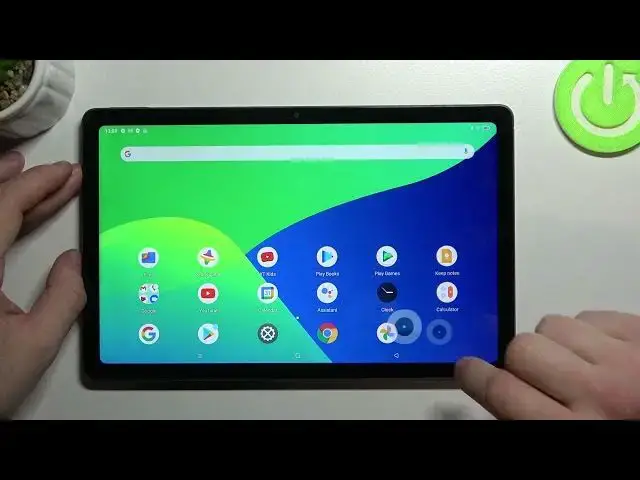

How to Enable Tap to Capture on Realme Pad – Turn Off Touch to Capture
Apr 7, 2024

Check more info about Realme Pad:
https://www.hardreset.info/devices/realme/realme-pad/
Hi there! If you are wondering how to take a photo on your Realme Pad just by tapping on the screen of your phone, then this video will help you with that! In attaches video tutorial, our Specialist will tell and show you how to Enable or Disable the Touch to Capture Function in Realme Pad camera, with which you can simply click on any point on the screen to take a photo. So, let’s get started! For more information visit our HardReset.info YT channel and discover many useful tutorials for Realme Pad.
How to Take Selfie by Touch Capture on Realme Pad?
How to Use Touch Capture to Take Photos on Realme Pad?
How to Activate Touch to Capture on Realme Pad?
#TouchShutter #ShootingMethods #CameraSettings
Follow us on Instagram ► https://www.instagram.com/hardreset.info
Like us on Facebook ► https://www.facebook.com/hardresetinfo/
Tweet us on Twitter ► https://twitter.com/HardResetI
Support us on TikTok ► https://www.tiktok.com/@hardreset.info
Use Reset Guides for many popular Apps ► https://www.hardreset.info/apps/apps/
Show More Show Less