0:00
Welcome! In front of me I have X-line Siona XW-Fit watch and I'm gonna show
0:06
you how to enable the phone notifications for this watch on the
0:10
Android phone. Basically if you want to receive the notifications from your
0:14
phone on your watch. Before we start if you want to receive the notifications from your phone on
0:23
your watch your watch needs to be paired with your phone via the XWare application. Once the devices are paired together we can continue and now we can
0:31
open the XWare application on the phone that is paired with our watch. After the
0:39
application opens you should see the today page. Now you can tap on the device
0:43
icon right here in the top right corner then tap on OK and on the device page
0:50
you should see your Siona watch. Tap on it to select it. Now find the option
0:56
called notifications and tap on it. If you don't have required permissions
1:01
allowed for the notifications to work you will see the warning message. Tap on
1:05
the OK. It will redirect you to this page. Now find the XWare application on
1:10
the list. Tap on it. Tap on the switch next to allow notifications. Tap on allow
1:15
and once this option is enabled you can go back and now you should be able to
1:20
turn on and turn off the notifications right here. You can turn on the
1:24
notifications for calls for example and once you turn them on you will need to
1:28
allow required permissions like that. SMS. Again you need to allow the permissions
1:35
Then you can enable the notifications for Facebook or Gmail and you can also
1:39
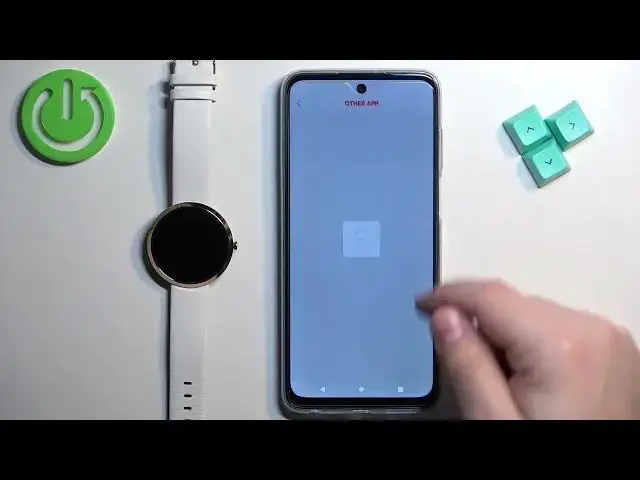
enable the notifications for other apps. If you tap on the arrow next to the
1:43
other apps it will open the list of applications on your phone. You can
1:47
enable the notifications for specific apps right here and also you will need
1:53
to enable the other app option and once you enable it and enable the
1:58
notifications for specific apps right here you'll be able to receive the notifications from them on your watch. OK and of course once you're done you
2:07
should be able to receive the notifications at this point. So I'm
2:11
gonna send myself a message on Discord. As you can see we got the notification on our phone and also on our watch and
2:26
that's how you enable the phone notifications for this watch on the
2:30
Android phone. Thank you for watching. If you found this video helpful please
2:35
consider subscribing to our Channel and leaving the like on the video