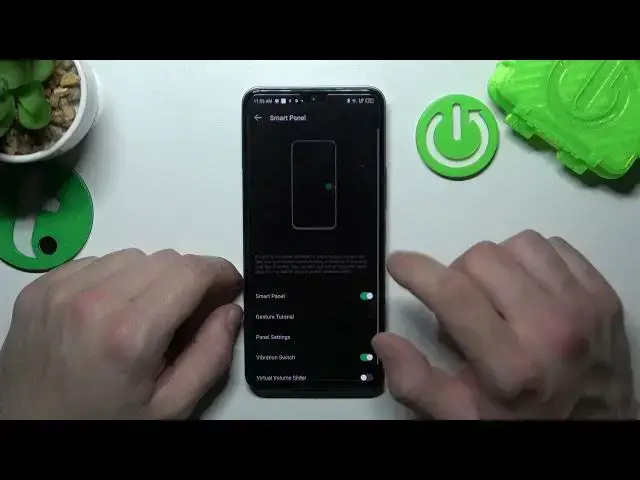

How to Enable or Disable Smart Sidebar on Infinix Note 12?
Mar 19, 2024

Check more information about Infinix Note 12:
https://www.hardreset.info/devices/infinix/infinix-note-12/tutorials/
Hi Everyone! In this tutorial, we'll guide you through the process of enabling or disabling Smart Sidebar on your Infinix Note 12 device. Smart Sidebar is a convenient feature that allows you to access frequently used apps, shortcuts, and tools from a customizable sidebar on the edge of the screen. Enabling or disabling this feature can help you optimize the usability and performance of your device. We'll provide you with easy-to-follow instructions on how to enable or disable Smart Sidebar using the Display settings on your Infinix Note 12. With our guidance, you'll be able to easily enable or disable Smart Sidebar on your Infinix Note 12, and enjoy a more efficient and customized user experience. For more useful tutorials on how to get the most out of your Infinix Note 12, check out our HardReset.info YT channel.
How to How to Add Apps to Smart Sidebar on Infinix Note 12?
How to Remove Apps from Smart Sidebar on Infinix Note 12?
How to Change Smart Sidebar Position on Infinix Note 12?
#SmartSidebar #Sidebar #InfinixNote12
Follow us on Instagram ► https://www.instagram.com/hardreset.info
Like us on Facebook ► https://www.facebook.com/hardresetinfo/
Tweet us on Twitter ► https://twitter.com/HardResetI
Support us on TikTok ► https://www.tiktok.com/@hardreset.info
Use Reset Guides for many popular Apps ► https://www.hardreset.info/apps/apps/
Show More Show Less