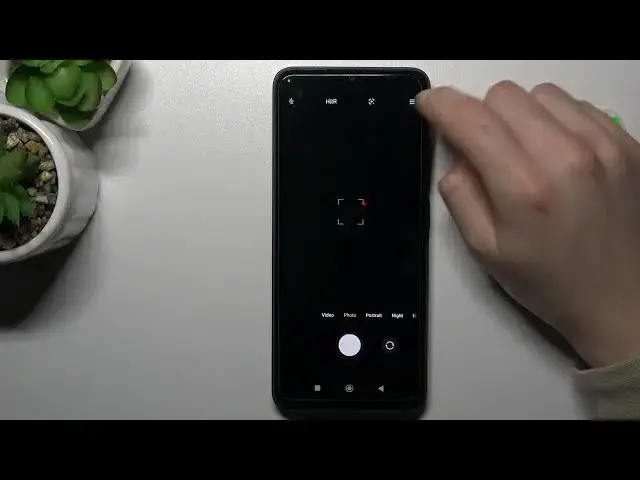

How to Enable or Disable Camera Location Tags on POCO C50 / Camera Features on POCO C50
Jul 28, 2024

Find more tutorials for your POCO C50 on our website:
https://www.hardreset.info/devices/poco/poco-c50/tutorials/
Welcome to our tutorial on adding location tags to photos taken with your POCO C50! If you want to keep track of the location of your photos and have them easily accessible, this video is for you. Our expert will guide you step-by-step through the process of enabling location tags on your POCO C50's camera app. In this tutorial, you'll learn how to access camera settings on your POCO C50, how to turn on the location tag feature, and how to take photos with location tags. With this feature enabled, you can easily see the location of your photos and organize them according to location. Whether you're a traveler, a photographer, or simply like to keep track of your photos' locations, this tutorial will help you get the most out of your POCO C50 camera app. So, why wait? Watch the video now and start adding location tags to your photos! If you like our videos, let us know your opinion in the comments section below and leave us your thumb to support us and, of course, subscribe to our channel. Have a wonderful day!
How to find camera location tags on POCO C50?
How to add camera location tags on POCO C50?
How to switch camera location tags on POCO C50?
How to enable camera location tags on POCO C50?
How to disable camera location tags on POCO C50?
How to enable geotagging on POCO C50?
How to disable geotagging on POCO C50?
How to use camera location tags on POCO C50?
How to manage location tags in a camera of POCO C50?
#pococ50 #camera #locationtags
Follow us on Instagram ► https://www.instagram.com/hardreset.info
Like us on Facebook ► https://www.facebook.com/hardresetinfo/
Tweet us on Twitter ► https://twitter.com/HardResetI
Support us on TikTok ► https://www.tiktok.com/@hardreset.info
Show More Show Less