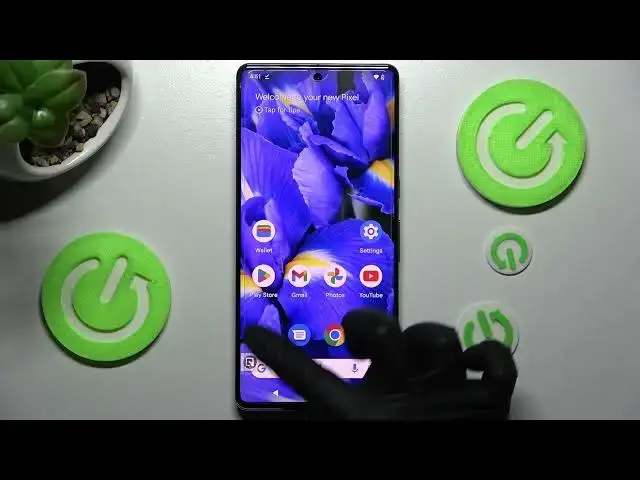

How to Enable One Handed Mode in GOOGLE Pixel 7 Pro - Screen Easy Usage
Jul 22, 2024

Learn more about GOOGLE Pixel 7 Pro
https://www.hardreset.info/devices/google/google-pixel-7-pro/
You can watch this tutorial if you find that the GOOGLE Pixel 7 Pro is too big to use with one hand. In this tutorial, we will show you how to activate the One-Handed Mode, which is a very handy feature on the phone. This mode reduces the working area and makes it more convenient. To be able to use it, make sure gesture navigation is enabled in system navigation settings. Would you like to know how to exit One-Handed Mode? We will tell you how! For more information about the GOOGLE Pixel 7 Pro, please visit our YouTube channel.
How to enable one handed mode in GOOGLE Pixel 7 Pro? How to allow screen easy usage in GOOGLE Pixel 7 Pro? How to start using GOOGLE Pixel 7 Pro by one hand? How to allow one handed mode in GOOGLE Pixel 7 Pro? How open the one-handed mode in GOOGLE Pixel 7 Pro?
#OneHandMode #AllowOneHandMode #GOOGLEPixel7Pro
Follow us on Instagram ► https://www.instagram.com/hardreset.info
Like us on Facebook ► https://www.facebook.com/hardresetinfo/
Tweet us on Twitter ► https://twitter.com/HardResetI
Support us on TikTok ► https://www.tiktok.com/@hardreset.info
Use Reset Guides for many popular Apps ► https://www.hardreset.info/apps/apps/
Show More Show Less