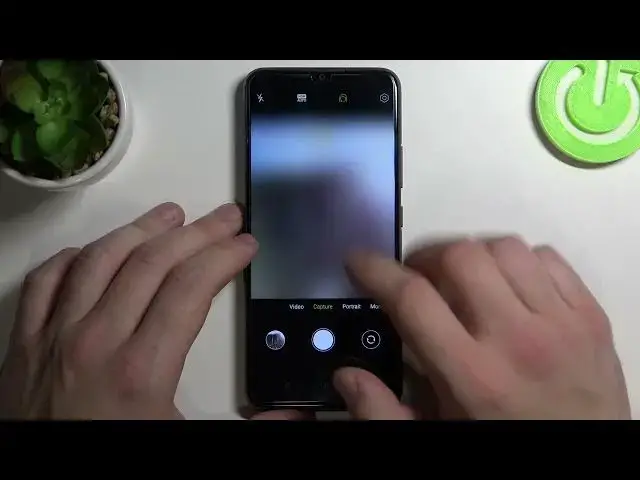

How to Enable / Disable REALME C21Y in Touch Controls
Mar 29, 2024

Read more about Realme C21Y:
https://www.hardreset.info/devices/realme/realme-c21y/tutorials/
Realme C21Y has a lot of options and settings to help you customize the smartphone and get the most out of it. The purpose of this video is to explain how to enable and disable the touch to capture feature in the camera settings on your Realme C21Y. When this feature is enabled, a photo can be taken simply by tapping on the camera. Learn how to manage this option on Realme C21Y by watching this tutorial.
How to manage touch to capture on Realme C21Y? How to enable touch to capture on Realme C21Y? How to disable touch to capture on Realme C21Y? How to turn on touch to capture on Realme C21Y? How to turn off touch to capture on Realme C21Y? How to activate touch to capture on Realme C21Y? How to deactivate touch to capture on Realme C21Y?
#TouchToCapture #CameraSettings #RealmeC21Y
Follow us on Instagram ► https://www.instagram.com/hardreset.info
Like us on Facebook ► https://www.facebook.com/hardresetinfo/
Tweet us on Twitter ► https://twitter.com/HardResetI
Support us on TikTok ► https://www.tiktok.com/@hardreset.info
Use Reset Guides for many popular Apps ► https://www.hardreset.info/apps/apps/
Show More Show Less