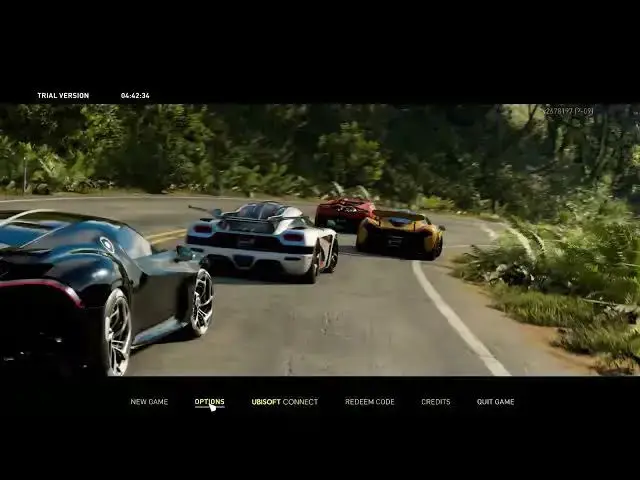

How To Enable & Disable High Contrast HUD In The Crew Motorfest
Mar 10, 2024

Find out more on : https://www.hardreset.info/
Customize your HUD (Heads-Up Display) in The Crew Motorfest by learning how to enable or disable high contrast settings. High contrast HUD can improve visibility and accessibility for players with different preferences or needs. Our guide provides step-by-step instructions and answers to frequently asked questions about toggling high contrast HUD in The Crew Motorfest.
How can I enable or disable high contrast HUD in The Crew Motorfest to improve visibility and accessibility?
What is high contrast HUD, and how does it affect the readability of on-screen elements?
Are there customization options for adjusting the color scheme or contrast levels?
Can I switch between high contrast and regular HUD settings during gameplay?
How do I optimize high contrast HUD settings to create a more user-friendly experience in The Crew Motorfest?
#thecrewmotorfest #thecrew #ubisoftgames
Follow us on Instagram ► https://www.instagram.com/hardreset.info
Like us on Facebook ► https://www.facebook.com/hardresetinfo/
Tweet us on Twitter ► https://twitter.com/HardResetI
Support us on TikTok ► https://www.tiktok.com/@hardreset.info
Use Reset Guides for many popular Apps ► https://www.hardreset.info/apps/apps/
Show More Show Less