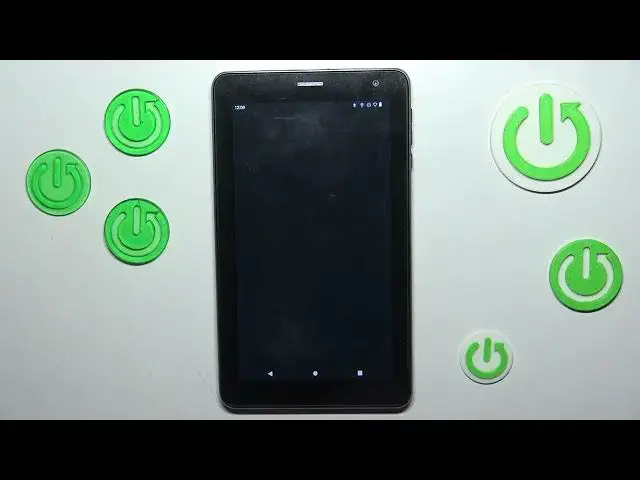

How To Enable & Disable Demo Mode In Navitel T787
Mar 19, 2024

You Can Visit Our Website For More Guides : https://www.hardreset.info
In this video tutorial, we will demonstrate how to enable and disable Demo Mode on Navitel T787. Demo Mode is a feature that allows you to showcase the device's features and functions without making actual changes to the settings or data. Whether you want to use Demo Mode for presentations or temporary demonstration purposes, this video will guide you through the process of enabling and disabling Demo Mode on your Navitel T787, ensuring a hassle-free experience.
How to enable and disable Demo Mode on Navitel T787
Navitel T787 Demo Mode tutorial
Step-by-step guide: Activating and deactivating Demo Mode on Navitel T787
Navitel T787 showcase mode: Enabling and disabling Demo Mode explained
#navitel #tablet #demomode
Follow us on Instagram ► https://www.instagram.com/hardreset.info
Like us on Facebook ► https://www.facebook.com/hardresetinfo/
Tweet us on Twitter ► https://twitter.com/HardResetI
Support us on TikTok ► https://www.tiktok.com/@hardreset.info
Use Reset Guides for many popular Apps ► https://www.hardreset.info/apps/apps/
Show More Show Less