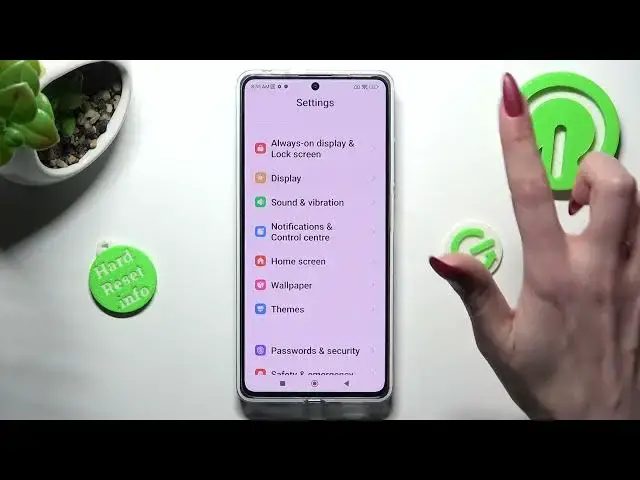

How to Enable & Disable Auto Brightness Function on POCO X5 PRO / Brightness Settings
Aug 2, 2024

Check other useful tips and tutorials for your POCO X5 Pro Smartphone:
https://www.hardreset.info/devices/xiaomi/xiaomi-poco-x5-pro/tutorials/
In this tutorial, we will guide you on how to turn on or off the auto brightness feature on your MOTOROLA Edge 40. Auto brightness adjusts the screen brightness automatically based on ambient light conditions, providing optimal viewing comfort and preserving battery life. We will demonstrate how to access the display settings, enable or disable auto-brightness, and customize brightness levels to suit your preferences. For more informative tutorials and details about the MOTOROLA Edge 40, check out our HardReset.info YouTube channel.
How to enable auto-brightness on POCO X5 PRO?
How to disable auto brightness on POCO X5 PRO?
How to adjust screen brightness manually on POCO X5 PRO?
How to adjust auto brightness on POCO X5 PRO?
#pocox5pro #poco #autobrightness
Follow us on Instagram ► https://www.instagram.com/hardreset.info
Like us on Facebook ► https://www.facebook.com/hardresetinfo/
Tweet us on Twitter ► https://twitter.com/HardResetI
Support us on TikTok ► https://www.tiktok.com/@hardreset.info
Use Reset Guides for many popular Apps ► https://www.hardreset.info/apps/apps/
Show More Show Less