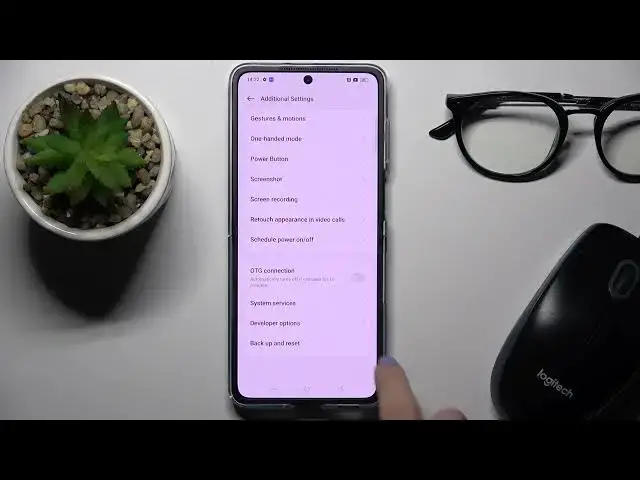

How to Enable Developer Options on OPPO Find N2 Flip?
Jul 27, 2024

Get more info: https://www.hardreset.info/devices/oppo/oppo-find-n2-flip/tutorials/
The video demonstrates the step-by-step process of enabling developer mode, which unlocks a range of advanced features and settings that are useful for developers and power users. The tutorial covers how to access the developer options menu, enable USB debugging, and customize various settings such as animation speed, background process limit, and more. By following the instructions in the video, OPPO Find N2 Flip users can access and take advantage of the powerful features offered by the developer options menu and enjoy a more customized and optimized mobile experience.
How to Unlock Developer Options on OPPO Find N2 Flip?
How to Enable Developer Options on OPPO Find N2 Flip?
How to Activate Developer Options on OPPO Find N2 Flip?
#oppofindn2flip
Follow us on Instagram ► https://www.instagram.com/hardreset.info
Like us on Facebook ► https://www.facebook.com/hardresetinfo/
Tweet us on Twitter ► https://twitter.com/HardResetI
Support us on TikTok ► https://www.tiktok.com/@hardreset.info
Use Reset Guides for many popular Apps ► https://www.hardreset.info/apps/apps/
Show More Show Less #Computer Hardware
#Networking
#Software