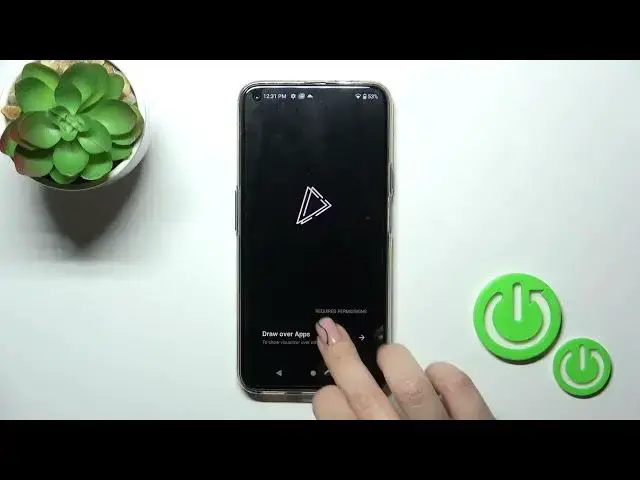

How to Enable Always On Display via Muviz Edge App on HAFURY GT20
Aug 3, 2024

We invite you to visit our website and learn more about HAFURY GT20: https://www.hardreset.info/devices/hafury/hafury-gt20/tutorials/
Looking to enhance the visual appeal of your HAFURY GT20? In this YouTube video, we'll guide you through the process of setting up the Always On Display (AOD) feature using the Muviz Edge app. With AOD, you can customize your device's screen to display useful information even when it's locked. From clock styles to notifications and personalized designs, the possibilities are endless. Join us as we explore the Muviz Edge app's features and demonstrate how to configure the AOD settings on your HAFURY GT20. We'll show you step-by-step instructions on how to choose different clock styles, select widgets, and even create your own unique AOD designs. Elevate your smartphone experience and make a statement with a personalized Always On Display on your HAFURY GT20. Don't forget to like, subscribe, and hit the notification bell for more exciting videos. Let's dive into this tutorial and bring your device's screen to life with the Muviz Edge app and the Always On Display feature on your HAFURY GT20!
How to install and use the Muviz Edge app on the HAFURY GT20 phone to turn the AOD on? How to set up the Always On Display feature on HAFURY GT20? How to activate the AOD feature on HAFURY GT20?
#HAFURYGT20 #AlwaysOnDisplay #HAFURYDisplay
Follow us on Instagram ► https://www.instagram.com/hardreset.info
Like us on Facebook ►
https://www.facebook.com/hardresetinfo/
Tweet us on Twitter ► https://twitter.com/HardResetI
Support us on TikTok ► https://www.tiktok.com/@hardreset.info
Use Reset Guides for many popular Apps ► https://www.hardreset.info/apps/apps/
Show More Show Less