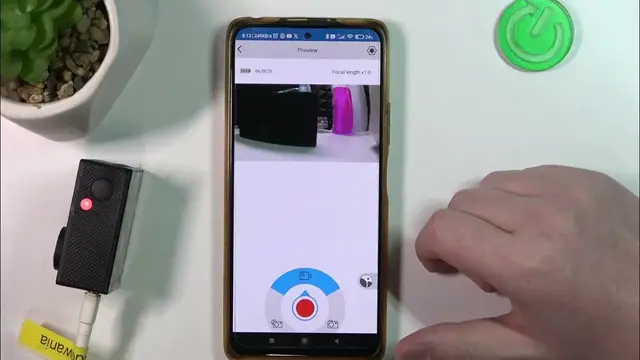

How to Easily Change Video Resolution on Your EKEN H9R Camera
Mar 3, 2024

Find out more: https://www.hardreset.info/devices/
Unlock the full potential of your EKEN H9R Camera with our latest tutorial on how to change video resolution! Whether you're a vlogging enthusiast or an adventure filmmaker, mastering resolution settings is key to achieving crisp, clear, and professional-looking videos. In this guide, we dive into the essential tips and tricks to customize your EKEN H9R's video resolution, ensuring your footage stands out. Discover how to navigate the camera's menu, select optimal resolution options for different scenarios, and understand the impact of resolution on your videos' quality. Perfect for beginners and seasoned users alike, this tutorial is your gateway to enhancing your visual storytelling with the EKEN H9R. Tune in and transform your video creation journey!
#EKENH9RTutorial
#VideoResolutionTips
#EKENCameraGuide
Questions:
How to access the resolution settings on an EKEN H9R camera?
How to select the best video resolution for different filming conditions on an EKEN H9R?
How to understand the impact of changing video resolution on EKEN H9R?
How to ensure optimal video quality on EKEN H9R through resolution settings?
How to troubleshoot common resolution issues on an EKEN H9R camera?
Follow us on Instagram ► https://www.instagram.com/hardreset.info
Like us on Facebook ► https://www.facebook.com/hardresetinfo/
Tweet us on Twitter ► https://twitter.com/HardResetI
Support us on TikTok ► https://www.tiktok.com/@hardreset.info
Use Reset Guides for many popular Apps ► https://www.hardreset.info/apps/apps/
Show More Show Less