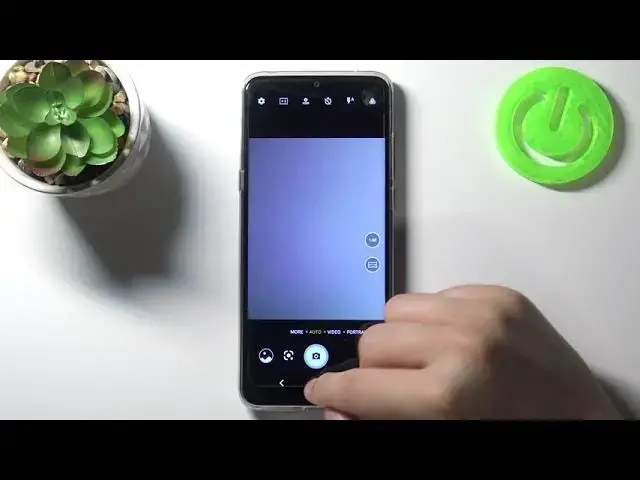

How to Disable Camera Quick Launch in TCL 20 SE – Turn off Camera Quick Launch
Jul 10, 2024

Learn more info about TCL 20 SE:
https://www.hardreset.info/devices/tcl/tcl-20-se/
If you want to disable a quick launch on TCL 20 SE, please follow our instructions. Our expert will show you where the quick launch settings are and how to easily disable this feature. Remember that you can change the application that has been assigned to fast launch - if you want to know how to do it, go to our YouTube channel and find the appropriate tutorial there.
How to Deactivate Quick Launch on TCL 20 SE? How to Disable Quick Launch by Double Press Power Key on TCL 20 SE? How to Disable App Double Press Key Option on TCL 20 SE? How to Turn Off Camera Pressing Power Key on TCL 20 SE? How to Switch Off Option to Open Function by Power Key Press? How to Turn Off Camera Quick Launch on TCL 20 SE? How to Switch Off-Camera Quick Launch on TCL 20 SE? How to Manage Quick Launch on TCL 20 SE? How to Customize Quick Launch feature on TCL 20 SE? How to Delete Quick Launch in TCL 20 SE?
#TurnOffQuickLauncher #DisableCameraQuickLaunch #TCL20SE
Follow us on Instagram ► https://www.instagram.com/hardreset.info
Like us on Facebook ► https://www.facebook.com/hardresetinfo/
Tweet us on Twitter ► https://twitter.com/HardResetI
Support us on TikTok ► https://www.tiktok.com/@hardreset.info
Use Reset Guides for many popular Apps ► https://www.hardreset.info/apps/apps/
Show More Show Less