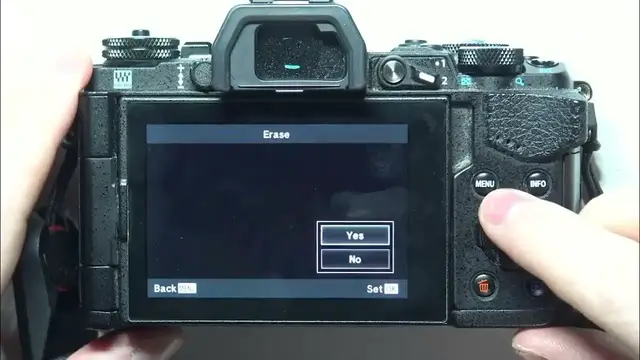

How To Delete Individual Photos On Olympus E M5 MARK II
Jan 13, 2024

Find out more : https://www.hardreset.info/
Efficiently manage your photo gallery on the Olympus E-M5 Mark II by learning how to delete individual photos. This tutorial provides a step-by-step guide, ensuring you can seamlessly remove specific shots to keep your collection organized. Whether you're freeing up space, curating your best work, or quickly clearing unwanted shots, this video is your key to mastering individual photo deletion on the Olympus E-M5 Mark II.
How can users easily delete individual photos on their Olympus E-M5 Mark II for streamlined gallery management?
Are there specific controls or settings within the camera menu where users can initiate the photo deletion process, and where are they located?
Can users selectively choose and delete specific photos, or is the process limited to batch deletion?
What indicators or signals confirm the successful deletion of individual photos on the Olympus E-M5 Mark II?
How quickly can users delete individual photos during or after a photography session?
#Olympus #Camera #camerasettings
Follow us on Instagram ► https://www.instagram.com/hardreset.info
Like us on Facebook ► https://www.facebook.com/hardresetinfo/
Tweet us on Twitter ► https://twitter.com/HardResetI
Support us on TikTok ► https://www.tiktok.com/@hardreset.info
Use Reset Guides for many popular Apps ► https://www.hardreset.info/apps/apps/
Show More Show Less #Science