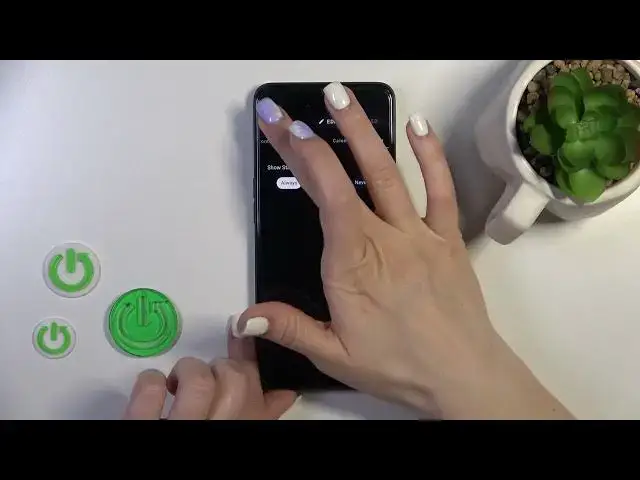

How to Customize the Always On Display Style on OPPO A77s - Muviz Edge App
Mar 18, 2024

Learn more about the OPPO A77s: https://www.hardreset.info/devices/oppo/oppo-a77s/tutorials/
Welcome to this YouTube video where we'll show you how to change the Always-On Display (AOD) theme on your OPPO A77s using the Muviz Edge app. The AOD feature allows you to customize the look of your device's screen even when it's locked. With the Muviz Edge app, you can take your AOD customization to the next level by adding beautiful and dynamic themes. In this tutorial, we'll guide you through the process of installing and configuring the Muviz Edge app, as well as selecting and applying different AOD themes. Get ready to personalize your OPPO A77s's AOD with stunning visuals and make your device truly stand out. Join us now and let's get started!
How to set a custom AOD theme on OPPO A77s? How to change the Always On Display appearance on OPPO A77s? How to personalize the AOD look through the Muviz Edge app on OPPO A77s?
#OPPOA77s #AlwaysOnDisplay #OPPODisplay
Follow us on Instagram ► https://www.instagram.com/hardreset.info
Like us on Facebook ►
https://www.facebook.com/hardresetinfo/
Tweet us on Twitter ► https://twitter.com/HardResetI
Support us on TikTok ► https://www.tiktok.com/@hardreset.info
Use Reset Guides for many popular Apps ► https://www.hardreset.info/apps/apps/
Show More Show Less