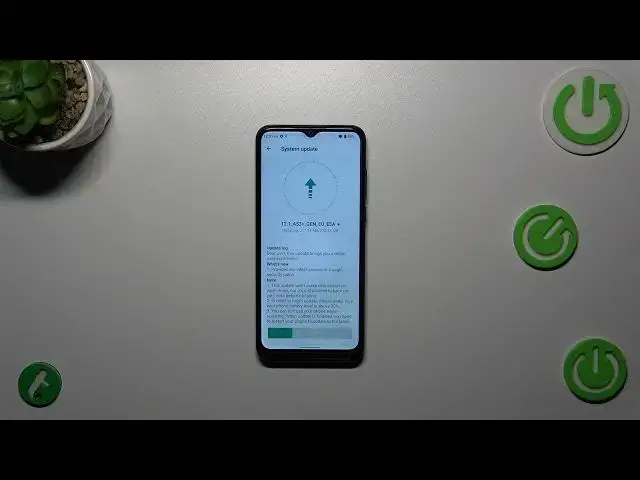

How To Check For Software Updates In ZTE Blade A53+
Mar 10, 2024

You Can Read More Tutorials About ZTE Blade A53+ On : https://www.hardreset.info/devices/zte/zte-blade-a53-plus/tutorials/
Keeping your ZTE Blade A53+ up to date with the latest software is essential for optimal performance, security, and access to new features. In this guide, we'll show you how to easily check for software updates on your device.
Why is it important to update the software on my ZTE Blade A53+?
How often should I check for software updates?
Is there a way to set up automatic updates?
What are the benefits of the latest software updates?
How to manually check for updates on ZTE Blade A53+?
What if my device is already up to date?
Can I update my phone without Wi-Fi?
#ZTEbladea53 #Zteblade #ZTE
Follow us on Instagram ► https://www.instagram.com/hardreset.info
Like us on Facebook ► https://www.facebook.com/hardresetinfo/
Tweet us on Twitter ► https://twitter.com/HardResetI
Support us on TikTok ► https://www.tiktok.com/@hardreset.info
Use Reset Guides for many popular Apps ► https://www.hardreset.info/apps/apps/
Show More Show Less