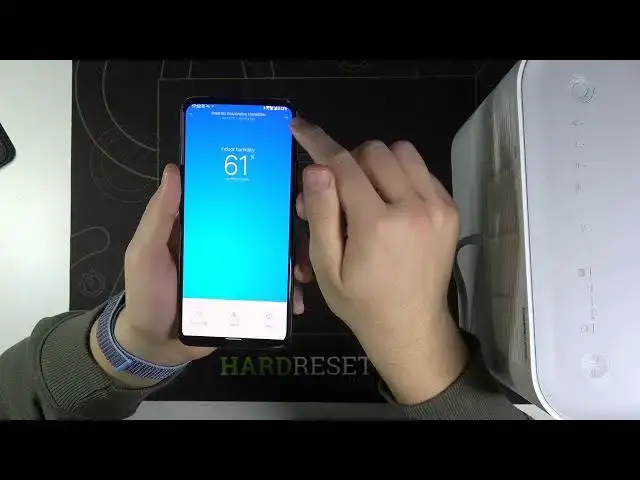

How to Change Xiaomi SmartMi Evaporative Humidifier Name in the App – Rename Device in Mi Home App
Jul 14, 2024

Find out more: https://www.hardreset.info/devices/xiaomi/xiaomi-smartmi-evaporative-humidifier/
In this video HardReset.Info expert will show you how to change XIAOMI SmartMi Evaporative Humidifier name in the Xiaomi Mi Home app. This can be very useful when you are using more than one XIAOMI SmartMi Evaporative Humidifier, setting unique name for every XIAOMI SmartMi Evaporative Humidifier, will make a lot easier to change mode or settings on a desired device with out being confused which name belongs to which XIAOMI SmartMi Evaporative Humidifier. Subscribe to HardReset.Info YouTube channel to see a complete setup tutorial for a XIAOMI SmartMi Evaporative Humidifier.
How to change XIAOMI SmartMi Evaporative Humidifier name? How to switch XIAOMI SmartMi Evaporative Humidifier name in Mi Home app? How to change device name in Xiaomi Mi home app? How to set new name for XIAOMI SmartMi Evaporative Humidifier? How to easy recognize XIAOMI SmartMi Evaporative Humidifier in Mi Home app?
Follow us on Instagram ► https://www.instagram.com/hardreset.info/
Like us on Facebook ► https://www.facebook.com/hardresetinfo/
Tweet us on Twitter ► https://twitter.com/HardresetI/
Show More Show Less