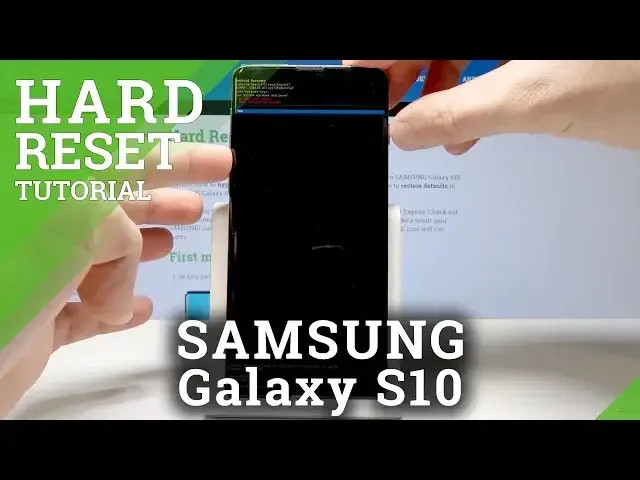

How to Hard Reset in Samsung Galaxy S10 – Factory Reset / Screen Lock Removal
May 24, 2024

Find out the best way to accomplish hard reset operation in Samsung Galaxy S10. Learn how to enter secret mode and perform the factory reset. Smoothly erase the screen lock, all personal data and customized settings. After the restoring process, you will have a brand new start and you will be able to set up your Samsung Galaxy S10. This operation will bypass fingerprint, face recognition and other screen lock method. As a result, you will delete all personal data, customized settings and installed apps.
How to factory reset Samsung Galaxy S10? How to master reset Samsung Galaxy S10? How to restore Samsung Galaxy S10? How to format Samsung Galaxy S10? How to reset customization in Samsung Galaxy S10? How to bypass screen lock in Samsung Galaxy S10? How to remove password in Samsung Galaxy S10? How to skip face recognition in Samsung Galaxy S10? How to bypass fingerprint in Samsung Galaxy S10?
Find out more: https://www.hardreset.info/devices/samsung/samsung-galaxy-s10-exynos/hardreset/first-method/
Follow us on Instagram ► https://www.instagram.com/hardreset.info/
Like us on Facebook ► https://www.facebook.com/hardresetinfo/
Tweet us on Twitter ► https://twitter.com/HardresetInfo/
Show More Show Less