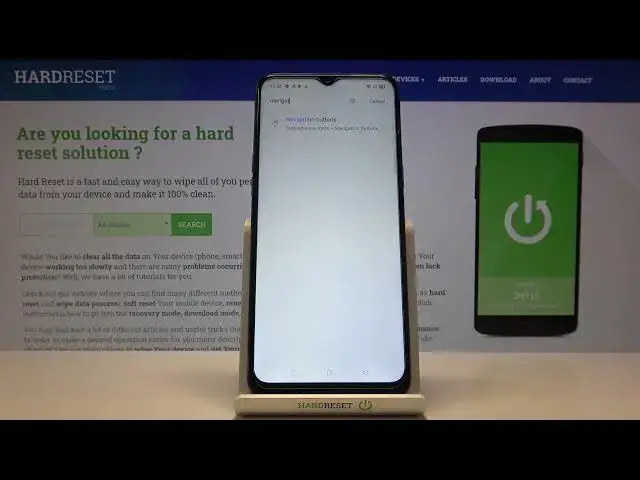

How to Change Navigation Bar in REALME C3i – Customize Navigation Bar
Apr 21, 2024

Learn more info about REALME C3i: https://www.hardreset.info/devices/realme/realme-c3/
If you would like to change the navigation bar in your REALME C3i, but you do not know where the relevant settings are, you should trust our specialist and follow his instructions. Find out how to change the order of buttons on the navigation bar, how to change the shape of icons, or how to hide the navigation bar completely in the REALME C3i. Visit our YouTube channel and find lots of useful video tutorials there.
How to Change Bar Navigation in REALME C3i? How to Manage Navigation Bar in REALME C3i? How to Open Navigation Bar Settings in REALME C3i? How to Customize Navigation Bar in REALME C3i? How to Set Up Navigation Bar in REALME C3i? How to Change Navigation Bar Settings in REALME C3i? How to Enter Navigation Bar Settings in REALME C3i? How to Find Navigation Bar Settings in REALME C3i? How to locate Navigation Bar Settings in REALME C3i? How to Customize Navigation Bar Settings in REALME C3i? How to Check Navigation Bar Options in REALME C3i? How to Manage Navigation Bar in REALME C3i? How to Manage Home, Back and Recent Button in REALME C3i? How to Change Navigation Bar Appearance in REALME C3i? How to Change Appearance of the Navigation Bar in REALME C3i? How to Use Full Screen Gestures on REALME C3i? How to Change Navigation Bar Type in REALME C3i? How to Change Navigation Button to Full Screen Gestures on REALME C3i?
Follow us on Instagram ► https://www.instagram.com/hardreset.info
Like us on Facebook ► https://www.facebook.com/hardresetinfo/
Tweet us on Twitter ► https://twitter.com/HardResetI
Show More Show Less