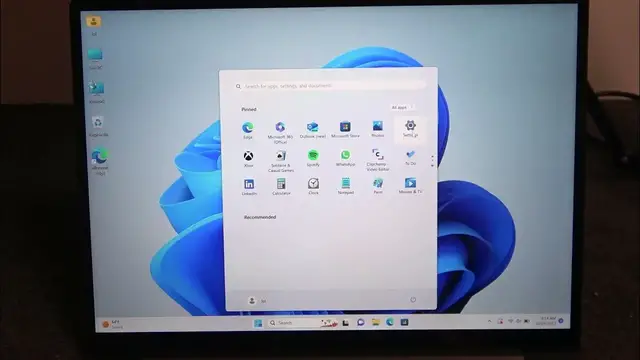

How To Change Default Microphone Device Chuwi GemiBook
Jan 19, 2024

Find out more on our website : https://www.hardreset.info
This guide provides step-by-step instructions on how to change the default microphone device on your Chuwi GemiBook laptop. Whether you use your laptop for online meetings, voice chats, or recording audio, selecting the right microphone is crucial for clear sound quality. Learn how to customize your microphone settings on the Chuwi GemiBook to enhance your audio experience and troubleshoot common issues related to microphone selection. This quick guide will ensure that you make the most of your laptop's microphone capabilities.
How can I change the default microphone on my Chuwi GemiBook?
Why is it important to set the default microphone on a laptop?
What are the steps to select a different microphone for online meetings?
How do I choose an external microphone as the default on Chuwi GemiBook?
Is it possible to switch between multiple microphones on this laptop?
What should I do if my selected microphone isn't working?
Can I change the microphone input for specific applications?
How to set up a USB microphone as the default on Chuwi GemiBook?
How do I test the microphone after changing the default device?
Can I adjust microphone sensitivity for better audio quality?
Is there a way to customize microphone hotkeys for switching?
How to ensure my chosen microphone is recognized by all programs?
What to do if my microphone input is too quiet or too loud on Chuwi GemiBook?
#Chuwi #Gemibook #laptoptips
Follow us on Instagram ► https://www.instagram.com/hardreset.info
Like us on Facebook ► https://www.facebook.com/hardresetinfo/
Tweet us on Twitter ► https://twitter.com/HardResetI
Support us on TikTok ► https://www.tiktok.com/@hardreset.info
Use Reset Guides for many popular Apps ► https://www.hardreset.info/apps/apps/
Show More Show Less