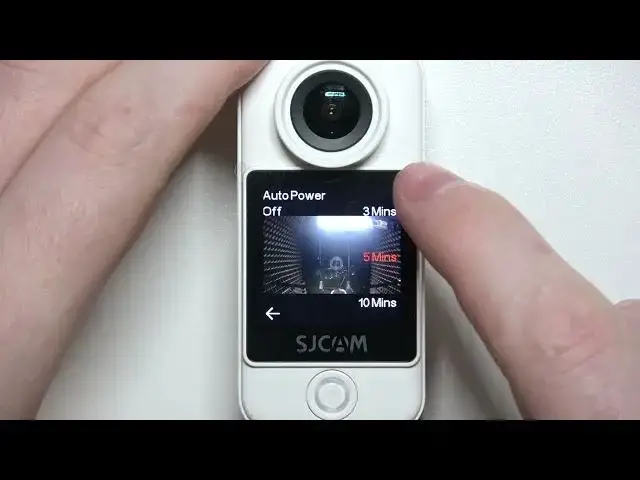

How To Change Auto Power Off Timer In SJCam C300
Aug 4, 2024

Find out more On : https://www.hardreset.info
Learn how to customize the Auto Power Off Timer on your SJCam C300 with this step-by-step tutorial. The Auto Power Off Timer is a useful feature that helps conserve battery life by automatically turning off your camera after a specified period of inactivity. By adjusting the timer settings, you can ensure your camera stays on when you need it and saves power when you don't.
How do I access the Auto Power Off Timer settings on my SJCam C300?
Can I disable the Auto Power Off feature entirely?
What is the default Auto Power Off Timer duration?
How do I set a longer or shorter time for the camera to turn off?
Will changing the Auto Power Off Timer affect other camera settings?
Is there a way to prevent the camera from turning off during long recordings?
Can I turn off the Auto Power Off feature while using the camera as a dashcam?
Does changing the Auto Power Off Timer impact battery life significantly?
Are there any safety considerations when adjusting this timer?
#sjcamc300 #Sjcam #compactcamera
Follow us on Instagram ► https://www.instagram.com/hardreset.info
Like us on Facebook ► https://www.facebook.com/hardresetinfo/
Tweet us on Twitter ► https://twitter.com/HardResetI
Support us on TikTok ► https://www.tiktok.com/@hardreset.info
Use Reset Guides for many popular Apps ► https://www.hardreset.info/apps/apps/
Show More Show Less