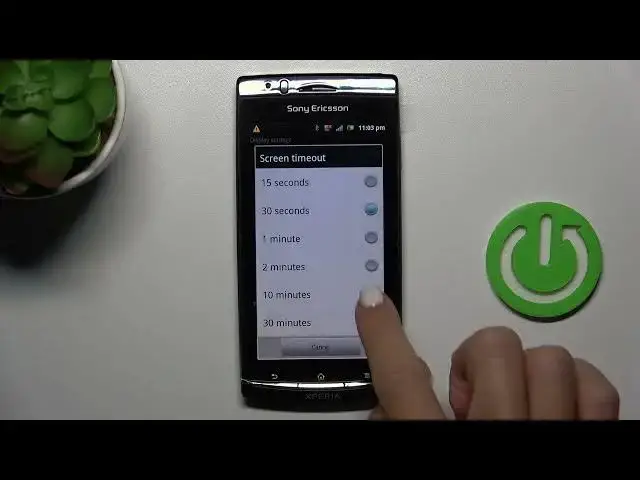

How to Modify the Screen Timeout Value on a SONY ERICSSON Xperia Arc S
Aug 3, 2024

We invite you to visit our website and learn more about SONY ERICSSON Xperia Arc S: https://www.hardreset.info/devices/sony-ericsson/sony-ericsson-xperia-arc-s-lt18i/tutorials/
Is your SONY ERICSSON Xperia Arc S screen turning off too quickly or staying on for too long? Learn how to customize the screen timeout value to suit your preferences in this quick tutorial. Whether you want to save battery life or extend the display duration for convenience, we've got you covered! Follow our step-by-step guide to access the settings and set the perfect screen timeout value for your Xperia Arc S. Enhance your user experience and make the most out of your device. Watch now and take control of your screen timeout!
How to increase the screen timeout value on a SONY ERICSSON Xperia Arc S? How to change the auto screen off delay on a SONY ERICSSON Xperia Arc S? How to decrease the screen sleep timer on a SONY ERICSSON Xperia Arc S?
#SONYERICSSONXperiaArcS #ScreenTimeout #SONYDisplay
Follow us on Instagram ► https://www.instagram.com/hardreset.info
Like us on Facebook ►
https://www.facebook.com/hardresetinfo/
Tweet us on Twitter ► https://twitter.com/HardResetI
Support us on TikTok ► https://www.tiktok.com/@hardreset.info
Use Reset Guides for many popular Apps ► https://www.hardreset.info/apps/apps/
Show More Show Less