0:00
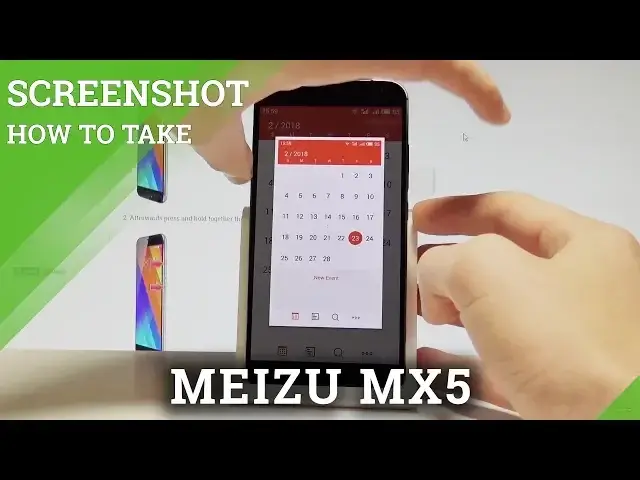
Here I have Meizu MX5 and let me show you how to take screenshots on the following device
0:11
so at the very beginning let's open the screen that you want to capture, so in my case it
0:15
could be for example simply the calendar. Let's just assume that I want to save the following screen, so all I have to do is use
0:21
this combination power key and volume down. Let's hold down together these two keys for a few seconds, for about 42 seconds, and as
0:28
you can see and hear the device just took a screenshot. So let me show you one more time, let's hold down together power key and volume down just
0:35
for about 42 seconds, and as you can see the device just took a screenshot
0:40
Now if you would like to share, edit or delete taken screenshots you have to open the upper
0:44
bar and here you can tap screenshot, but you may also accomplish that by using your home screen
0:49
Here you have to choose the gallery, right now let's choose the gallery, choose the screenshot
0:55
folder and now you can use your desired screenshot. So that's it, thank you for watching, please subscribe our channel and leave a thumbs up