0:00
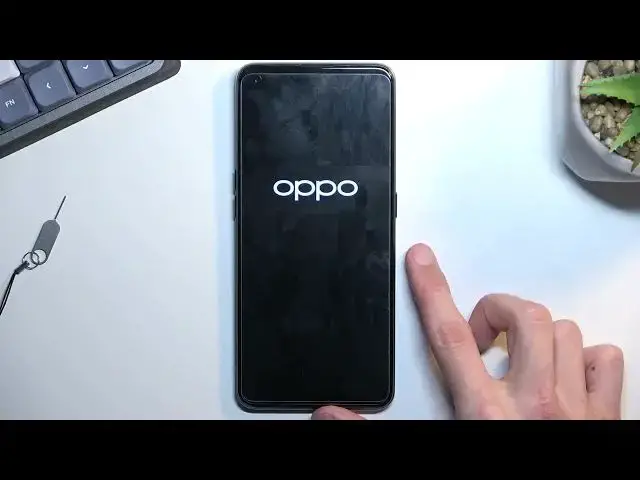
Welcome, and follow me as AlpoA94. And today I'll show you how you can bypass the Google
0:06
verification on this phone. And I can see I do have a pattern set or used to have it set. This
0:16
is a verification process. And if I close this, it will also tell me to verify it using the Google
0:22
account. Now, assuming we don't know either of those, the only thing that we will need for this
0:27
process is a SIM card with a pin on it. So I have one right over here. Now if you have a SIM card
0:33
without a pin, just pop it into a different phone, set up a pin on it, and then insert it back into
0:39
this phone. So I'm gonna do that right now. There we go. And as you can see, once you pop in your
0:56
SIM card, it will tell you to verify your pin. Now, see, do I need to put in the pin? Yep, I do
1:04
So put in your pin, this will then bring up this window right here, which you want to drag down
1:09
This will pull on the notifications and from here, tap on a settings button
1:15
which right now it's in the language of the SIM card for
1:19
some stupid reason. Even though the device was set to be in English, but when you pop in your
1:27
SIM card, if you're in a different country than for instance, US or England or whatever
1:32
it most likely will change the language to whatever region you are in. Now, because this is
1:37
right now in Polish, and I'm assuming majority of you don't really understand this language
1:42
I'm going to quickly change it to something that I have chosen throughout the setup process
1:48
which was completely disregarded. Of course, it also removed the English because why wouldn't it
2:07
There we go. So now I get my language back. Anyway, I'm gonna go back to the main settings
2:13
page, so where we're supposed to be. And from here, what you want to do is just simply scroll
2:19
all the way down, select additional settings, scroll down, select backup and reset, erase all
2:26
data, erase all data, again, erase all data twice more. And this will now begin a factory reset of
2:34
the device. So this will probably take a couple minutes to finish up, give it some time. Once it's
2:40
completed, we will be greeted with Android setup screen. But at that point, the device will be
2:45
fully unlocked. So you can set up your phone however you like. Now I will go through the
2:49
setup on the video. But I'll go through a really quick one skipping everything that I can
2:55
I'll also take out a SIM card right now, just because it already served its purpose
3:01
So I'm going to let this run and come back once it's finished. Okay, so as you can see, factory reset is now finished. So quickly go through the setup like
3:24
I mentioned before. And there we go. So as you can see, the device is now fully unlocked
3:59
There was no need to verify anything while going to the setup. Anyway, that is how you can bypass
4:05
the Google verification on this phone. And if you found this video helpful
4:08
don't forget to hit like, subscribe and thanks for watching