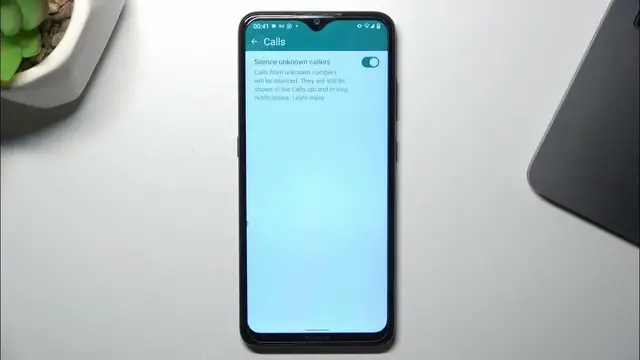

How to Automatically Block Unknown Numbers on WhatsApp in Android Phone
Jan 18, 2024

Find out more: https://www.hardreset.info/apps/apps/
Navigate the realm of WhatsApp privacy with our in-depth tutorial on how to automatically block unknown numbers on your Android phone. This video is a must-watch for anyone looking to enhance their WhatsApp security and privacy settings. We dive into the simple yet effective methods to shield yourself from unwanted messages and calls from unknown contacts. Whether you're seeking to avoid spam, protect your personal space, or just prefer a curated list of contacts, our guide makes it easy to set up automatic blocking. We also discuss the implications of such settings and how they can impact your daily communication. Ideal for both casual and power WhatsApp users, this video empowers you to take control of your messaging experience, ensuring peace of mind and a more secure digital environment on your Android device.
#WhatsAppPrivacy
#BlockUnknownNumbers
#AndroidSecurityTips
Questions to Include in the Video:
"How to set up your WhatsApp to automatically block unknown numbers?"
"How to manage your blocked contacts list in WhatsApp?"
"How to differentiate between known and unknown contacts in WhatsApp?"
"How to customize privacy settings for calls and messages in WhatsApp?"
"How to handle exceptions while using the automatic block feature in WhatsApp?"
Follow us on Instagram ► https://www.instagram.com/hardreset.info
Like us on Facebook ► https://www.facebook.com/hardresetinfo/
Tweet us on Twitter ► https://twitter.com/HardResetI
Support us on TikTok ► https://www.tiktok.com/@hardreset.info
Use Reset Guides for many popular Apps ► https://www.hardreset.info/apps/apps/
Show More Show Less