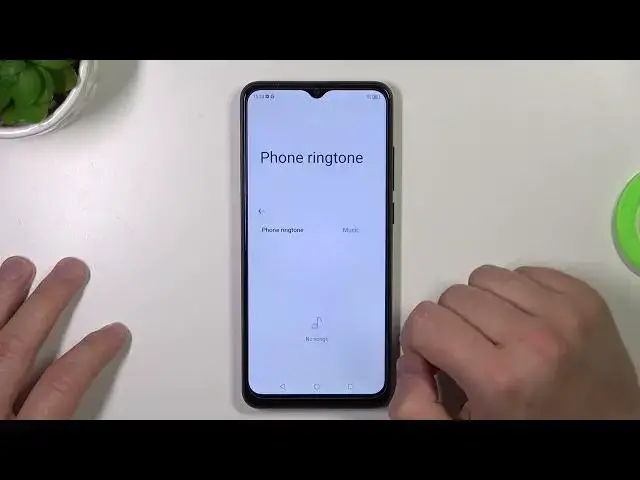

How to Assign Ringtone to Contact in ZTE Blade A53 Pro – Connect Ringtone and Contact
Mar 17, 2024

Learn more info about ZTE Blade A53 Pro:
https://www.hardreset.info/devices/zte/zte-blade-a53-pro/tutorials/
Did you know that you can customize each contact with a unique ringtone in your ZTE Blade A53 Pro? In this tutorial, we would like to show you how easily you can find the proper option, which will allow you to easily assign the ringtone to the contact. Thanks to this you'll be able to distinguish the caller even without looking at the screen! So let's follow all shown steps and successfully assign the ringtone to the contact in ZTE Blade A53 Pro.
How to assign ringtone to contact in ZTE Blade A53 Pro? How to add ringtone to contact in ZTE Blade A53 Pro? How to connect ringtone to contact in ZTE Blade A53 Pro? How to attach ringtone to contact in ZTE Blade A53 Pro?
#ConnectRingtonetoContact #ManageRingtone #ZTEBladeA53Pro
Follow us on Instagram ► https://www.instagram.com/hardreset.info
Like us on Facebook ► https://www.facebook.com/hardresetinfo/
Tweet us on Twitter ► https://twitter.com/HardResetI
Support us on TikTok ► https://www.tiktok.com/@hardreset.info
Use Reset Guides for many popular Apps ► https://www.hardreset.info/apps/apps/
Show More Show Less