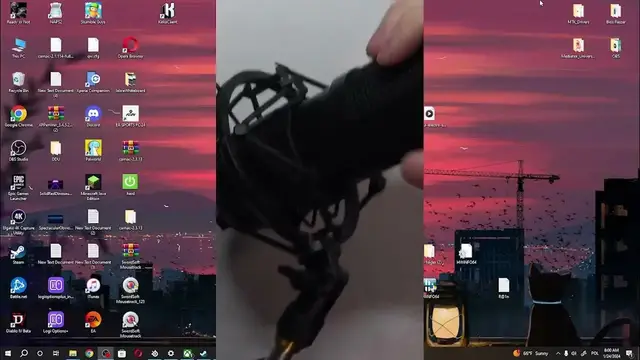

How to Assemble Your Genesis Radium 400 Microphone Like a Pro
Mar 3, 2024

Find out more: https://www.hardreset.info/devices/
Step into the world of professional audio recording by mastering the assembly of your Genesis Radium 400 microphone. This all-encompassing guide is tailored to walk you through the seamless process of setting up your new Genesis Radium 400, ensuring you're equipped to capture crystal-clear audio for your podcasts, streams, or any professional recording needs. From unboxing to the final setup, we cover the essential steps to assemble your microphone, attach it to the stand, and connect it to your recording device. Discover the tips and tricks to optimize your recording environment, adjust the microphone settings for superior sound quality, and troubleshoot common setup issues. Perfect for beginners and audio enthusiasts alike, this video promises to transform your recording sessions by leveraging the full capabilities of the Genesis Radium 400. Join us to elevate your audio recording game and bring professional studio quality to your home or office.
#GenesisRadium400 #ProfessionalRecording #AudioSetupTips
Questions:
How to correctly assemble the Genesis Radium 400 microphone out of the box?
How to attach the Genesis Radium 400 to its stand for stability and optimal sound capture?
How to connect the Genesis Radium 400 to your computer or recording device?
How to adjust the Genesis Radium 400 settings for different recording environments?
How to troubleshoot common assembly and setup issues with the Genesis Radium 400?
Follow us on Instagram ► https://www.instagram.com/hardreset.info
Like us on Facebook ► https://www.facebook.com/hardresetinfo/
Tweet us on Twitter ► https://twitter.com/HardResetI
Support us on TikTok ► https://www.tiktok.com/@hardreset.info
Use Reset Guides for many popular Apps ► https://www.hardreset.info/apps/apps/
Show More Show Less