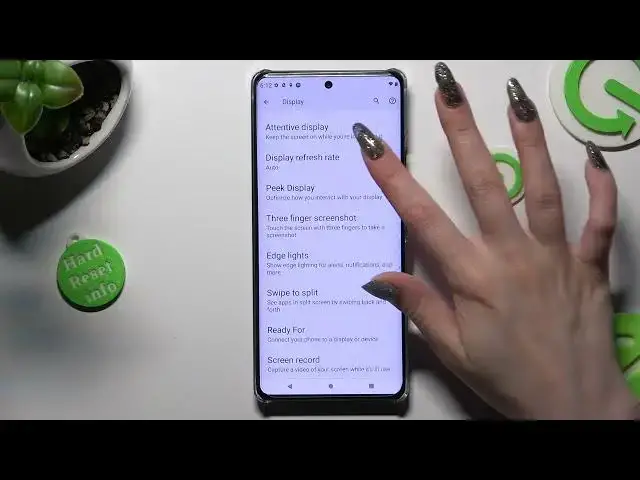

How to Apply Higher Refresh Rate of Motorola Edge X40 - Change Display Refresh Rate
Mar 19, 2024

Wanna know more about Motorola Moto X40? Click Here! https://www.hardreset.info/devices/motorola/motorola-moto-x40/tutorials/
We can help if you wish to alter the Motion Smoothness on your Motorola Edge X40! You'll be able to locate the settings section where Refresh Rate can be changed by following today's instructions. This way, you'll always be able how to apply the optimal one, for your tablet. Keep in mind that the higher setting may cause your battery to discharge more quickly, so choosing the lower one, when you need a charger is a good idea. Without further ado, let's get started!
How to Apply Different Refresh Rates in Motorola Moto X40? How to Access Motion Smoothness Settings in Motorola Moto X40? How to Change Screen Refresh Rate in Motorola Moto X40?
#MotorolaMotoX40 #RefreshRate #ScreenRefresh Rate
Follow us on Instagram ► https://www.instagram.com/hardreset.info
Like us on Facebook ► https://www.facebook.com/hardresetinfo/
Tweet us on Twitter ► https://twitter.com/HardResetI
Support us on TikTok ►https://tiktok.com/@hardreset.info
Use Reset Guides for many popular Apps ► https://www.hardreset.info/apps/apps/
Show More Show Less