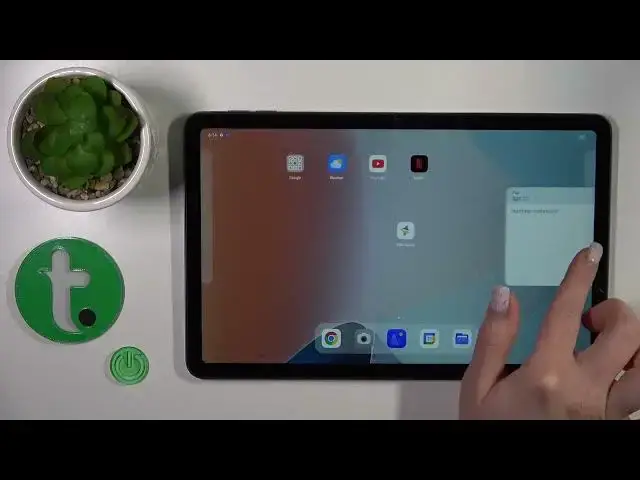

How to Add Home Screen Widgets on OPPO Pad Air – Remove Home Screen Widgets
Mar 20, 2024

Check more info about OPPO Pad Air:
https://www.hardreset.info/devices/oppo/oppo-pad-air/tutorials/
Hey Everyone! If you want to add widgets, otherwise they can be identified as quick access to applications or functions from the home screen of your OPPO Pad Air, but you don’t know how to do it correctly, then don’t worry, after watching our video tutorial you will be able to add and remove widgets yourself on the home screen of your OPPO Pad Air. So, open our video tutorial and follow the steps of our Expert to add or customize widgets on the home screen of your OPPO Pad Air. For more useful tutorials on how to get the most out of your OPPO Pad Air, check out our HardReset.info YT channel.
How to Customize OPPO Pad Air Home Screen by Adding Widgets?
How to Use Widget on OPPO Pad Air Home Screen?
How to Delete Widgets form OPPO Pad Air Home Screen?
#AddWidgets #RemoveWidgets #OPPOPadAir
Follow us on Instagram ► https://www.instagram.com/hardreset.info
Like us on Facebook ► https://www.facebook.com/hardresetinfo/
Tweet us on Twitter ► https://twitter.com/HardResetI
Support us on TikTok ► https://www.tiktok.com/@hardreset.info
Use Reset Guides for many popular Apps ► https://www.hardreset.info/apps/apps/
Show More Show Less