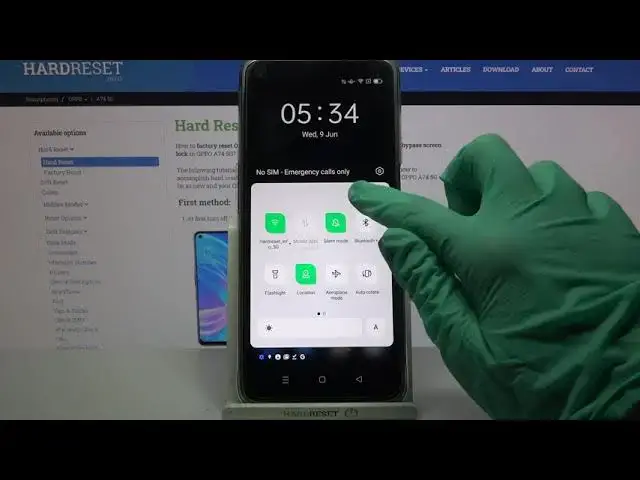

How to Activate One Handed Mode in OPPO A74 5G – Make Screen Smaller
Apr 18, 2024

Learn more info about OPPO A74 5G: https://www.hardreset.info/devices/oppo/oppo-a74-5g/
If you feel that the screen in your OPPO A74 5G is a little to big to use it with only one hand, then let us solve this problem! In this tutorial we’d like to share with you how easily you can find proper option which will allow you to make screen smaller! It will be dragged to chosen corner and the size will be reduced, so it will be easier to use it with only one hand. So let’s follow all shown steps and successfully activate one handed mode.
How to use one handed mode in OPPO A74 5G? How to set up one handed mode in OPPO A74 5G? How to activate one handed mode in OPPO A74 5G? How to turn on one handed mode in OPPO A74 5G? How to use OPPO A74 5G with one hand? How to make screen smaller in OPPO A74 5G?
#OneHandedMode #TurnOnOneHandedMode #OPPOA745G
Follow us on Instagram ► https://www.instagram.com/hardreset.info
Like us on Facebook ► https://www.facebook.com/hardresetinfo/
Tweet us on Twitter ► https://twitter.com/HardResetI
Support us on TikTok ► https://www.tiktok.com/@hardreset.info
Use Reset Guides for many popular Apps ► https://www.hardreset.info/apps/apps/
Show More Show Less