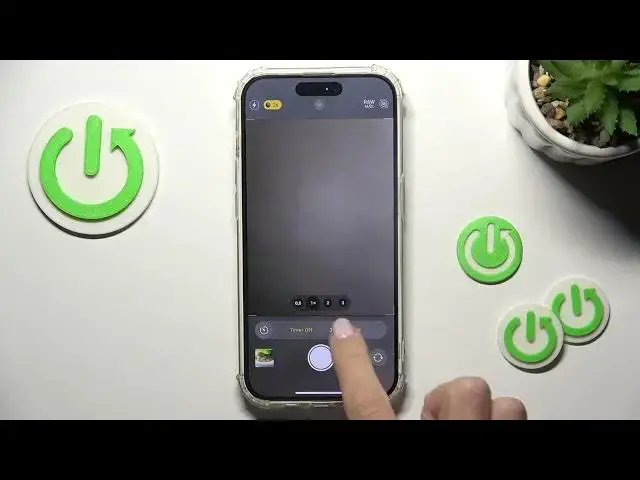

How to Acitvate & Use Camera Timer on iPhone 15 Pro- Set Camera Timer
Aug 5, 2024

Find out more info about iPhone 15 Pro:
https://www.hardreset.info/devices/apple/apple-iphone-15-pro/
Allow us to guide you through the process of activating the camera timer on your iPhone 15 Pro. Just follow these straightforward steps: access the camera settings and configure a timer for your camera. With the built-in self-timer, you can capture photos on your iPhone without the need to physically press the shutter button. Simply select your desired countdown duration for the timer. For additional insights and information about the iPhone 15 Pro, be sure to explore our YouTube channel.
How to activate the camera timer on iPhone 15 Pro? How to set up a camera timer on iPhone 15 Pro? How to change the camera timer on iPhone 15 Pro? How to set a timer on iPhone 15 Pro camera? How do I put my iPhone 15 Pro camera on timer? #CameraTimer #SetUpCameraTimer #iPhone15Pro
Follow us on Instagram ► https://www.instagram.com/hardreset.info
Like us on Facebook ► https://www.facebook.com/hardresetinfo/
Tweet us on Twitter ► https://twitter.com/HardResetI
Support us on TikTok ► https://www.tiktok.com/@hardreset.info
Use Reset Guides for many popular Apps ► https://www.hardreset.info/apps/apps/
Show More Show Less