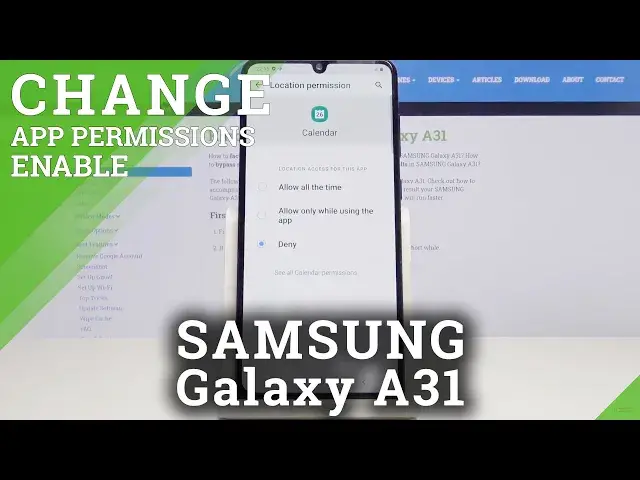

How to Access App Permission Manager in Samsung Galaxy A31 – Deny Access to Location
Apr 30, 2024

Learn more info about SAMSUNG GALAXY A31: https://www.hardreset.info/devices/samsung/samsung-galaxy-a31/
Did you ever wonder which apps have access to personal info like contacts or features like a microphone on your Samsung Galaxy A31? If the answer sounds yes, then you don't have to wonder anymore! In this short guide, our expert would like to show you how to easily and successfully operate App Permissions Manager in a matter of minutes. After locating it in proper settings, you'll be able to choose, for example, a microphone, and select an app of your interest. After that with one tap, you can decide if you want to allow or deny this application access to this feature. So, stay with us and take over App Permissions, let's begin!
How to allow app permission in SAMSUNG GALAXY A31? How to use permission manager in SAMSUNG GALAXY A31? How to add app permission in SAMSUNG GALAXY A31? How to activate app permission in SAMSUNG GALAXY A31? How to enable app permission in SAMSUNG GALAXY A31?
Follow us on Instagram ► https://www.instagram.com/hardreset.info
Like us on Facebook ► https://www.facebook.com/hardresetinfo/
Tweet us on Twitter ► https://twitter.com/HardResetI
Show More Show Less