0:00
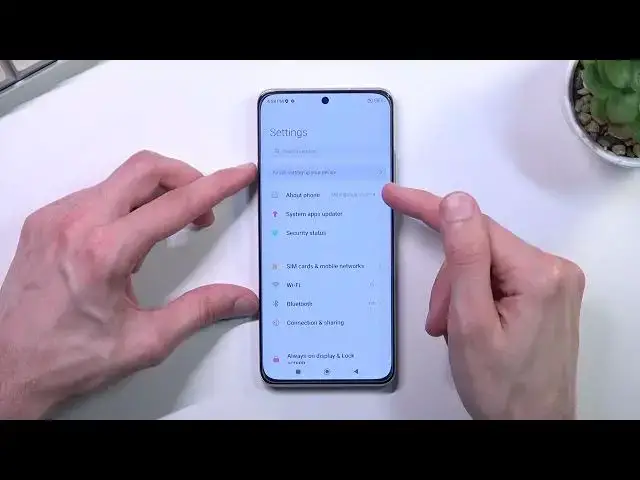
Welcome, in front of me is a Xiaomi 12 and today I'll show you how you can capture a
0:11
screenshot on this phone. So to get started you'll want to open up the content that you wish to capture
0:17
I'll be using settings as an example for this. And once your content is open and visible, like it is for me, you want to hold power
0:24
key and volume down at the same time. You'll get a little bit of a sound and also this pop-up right here
0:34
The first time around it will stay here until you interact with it, giving you just a guide
0:39
on how to use it so we can capture a scrollable screenshot and send the image
0:46
Now every time afterwards, after we capture the first screenshot, it's just going to pop
0:50
with just this and stay here for about a second to two seconds and afterwards if you don't
0:55
do anything with it, it just disappears. And going into the scrollable option, as you can see right here, I'm going to capture another
1:02
screenshot just for this, even though I could utilize this one but it's going to overwrite
1:07
it so I just kind of want to do another one. There we go
1:12
So scrollable screenshot allows you to capture a long version of a screenshot
1:17
By default, once you start the scrollable screenshot, it automatically starts scrolling
1:21
down, so from the point that you started the screenshot to however far down the phone scrolls
1:27
which at this point is to wallpaper, if I would select done, that's basically how it's
1:30
going to capture, assuming you stopped it at some point. Obviously it will keep scrolling down if there is, for instance like Instagram, it's just
1:41
going to continuously scroll down until it runs out of memory or something
1:47
I have no clue, I've never tried to see how far it can go
1:53
But going into this a little bit further, as you've seen, you can stop it from scrolling
1:58
down by just tapping on the screen, but you can also scroll it down yourself to be more precise
2:04
So you can go however far down you want, and then all you need to do is select done
2:09
It will process it the first time around. It wants access to the editor and also to storage
2:16
Use this folder, sure, allow, and there we go. And it's now saved
2:25
So once you've granted those two things, you can now find your image, the scrollable screenshot
2:31
in your gallery application. As you can see, we have two screenshots
2:34
We have the long one, and we have the normal one. And additionally, you can also find it a little bit easier in the albums
2:45
It will create an album called screenshots, as you can see, and in here you again find
2:50
those two same screenshots. So that is how you could capture a screenshot on this phone, and if you found this video
2:58
helpful, don't forget to hit like, subscribe, and thanks for watching