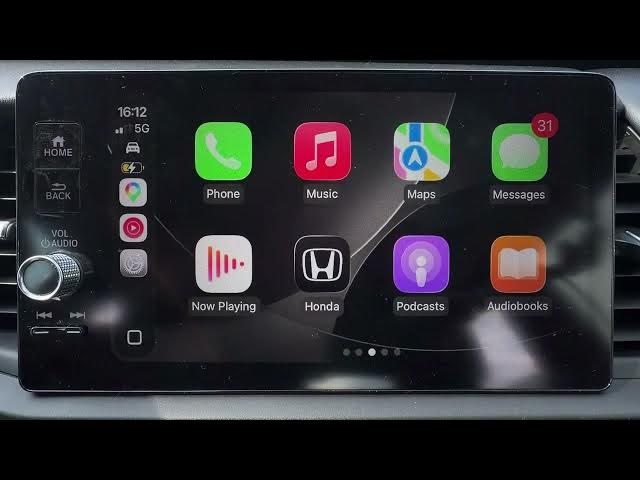

HONDA Jazz V HYBRID – How to Change CarPlay Text Size and Style
May 28, 2026

In this short video I show how to change CarPlay text size and style on the HONDA Jazz V HYBRID. If CarPlay menus, messages, or app text look too small or you want bolder text for easier reading, follow these clear steps. I open CarPlay Settings, enter Accessibility, then adjust Text Size and toggle Bold Text so your CarPlay display is easier to see while driving. These quick changes improve readability and make using CarPlay safer and more comfortable.
How to change CarPlay text size on HONDA Jazz V HYBRID?
How to enable Bold Text for CarPlay on HONDA Jazz V HYBRID?
Where are CarPlay Accessibility settings on HONDA Jazz V HYBRID?
0:00 Intro – What we will change
0:06 Open CarPlay Settings
0:23 Accessibility → Text Size and Bold Text
0:30 Outro – Like, comment and subscribe
#Honda #HondaJazz #CarPlay #Accessibility
Find out more:
https://www.hardreset.info/devices/honda/honda-jazz-v-hybrid/
Follow us on Instagram ► https://www.instagram.com/hardreset.info
Like us on Facebook ► https://www.facebook.com/hardresetinfo/
Tweet us on Twitter ► https://twitter.com/HardResetI
Support us on TikTok ► https://www.tiktok.com/@hardreset.info
Show More Show Less #Science