0:00
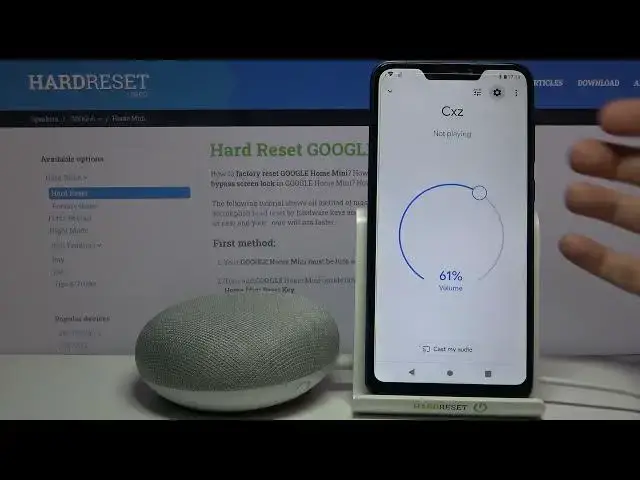
Here I have Google Home Mini and today I'm going to show you how to reboot this
0:11
device. So first of all you have to open the Google Home app here, then you have
0:18
to access this device here, then tap on the gear icon to access its settings
0:24
then tap here and select an option reboot and then confirm it by tapping
0:28
OK and after that device will be rebooted. And as you can see device
0:37
been rebooted. And that's it! Thanks for watching! If you find this tutorial
0:45
useful don't forget to hit that like button and subscribe to our Channel