0:00
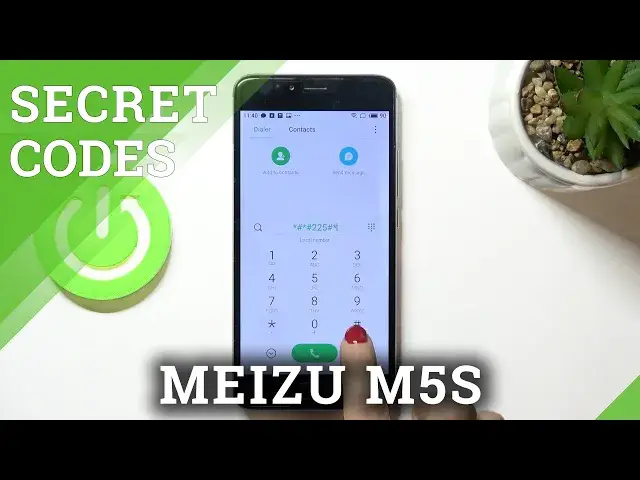
Hi guys, here we've got Meizu M5s and let me show you some of the secret codes that
0:11
you can use on this device. So at first, just open your phone dealer and here we will be entering those codes
0:18
Let me start with the first one, which is asterisk pound, asterisk pound, double to
0:23
five, pound asterisk, pound asterisk. And here we've got the calendar info
0:30
Actually, I don't have any calendars connected with my phone. However, if you do have it, if you have, for example, Google Calendar, your own calendar
0:40
just system calendar, you'll be able to see all events, all celebrations, like everything
0:45
that is upcoming will be included here. So you will not forget about any important event, important celebration, birthday or whatever
0:55
And this is why this code is created. It's super useful, truly recommended, but that's actually all
1:01
Let me go back. And another code that you can use is asterisk pound, asterisk pound, four six three six
1:08
pound asterisk, six dot nine, four six three six, pound asterisk, pound asterisk
1:15
And here we've got the phone information also performed by Google, where you can check phone
1:20
info, battery information, usage statistics, and also Wi-Fi details. Here phone info, you can run a ping test, just click on it and below you'll find the results
1:30
Also here you've got plenty of important stuff regarding your device. For example, roaming, GSM service, network type, messages, and so on
1:40
So that's it. Let me go back. And open it again
1:55
And then let's go to battery information. So here you'll be able to check all battery status, power plug, battery level, battery
2:03
scale, health, voltage, temperature, technology, and also time since last boot. So quite useful information
2:09
Then under user statistics, you've got all information regarding your apps. So the last time they've been used, or also the whole user's time
2:18
As you can see, for example, system launcher have been in use at 1130 last time, and it's
2:25
been for 23 and 49 seconds, 23 minutes, obviously, and 49 seconds
2:31
So let me go back then. And then under Wi-Fi information, you can detect Wi-Fi APA, Wi-Fi configuration, and
2:37
also Wi-Fi status. And this last option also allows you to run a ping test
2:43
So here we've got the results. So let's go back. And another code that we can enter is super useful also, and it's engineering mode
2:54
So just press asterisk pound, asterisk pound, 3646633 pound asterisk, pound asterisk
3:04
And here we've got it. So here you can check the telephone, connectivity, hardware, location, log and debug, and plenty
3:19
of others. And for example, if you'd like to check something in audio setup, just click here, pick normal
3:26
mode or whichever you'd like to change, provide new values, and then tap on set
3:34
As you can see, it has been done, so you can smoothly go back. Then if you'd like to change something with your camera, smoothly open it, and also here
3:41
you can manage your camera. And it's working the same way for each application
3:46
And that will be all for this engineering mode. Enjoy it. And last code, the shortest one also is asterisk pound, asterisk pound
3:54
And as you can see here, you've got email and main number assigned to your device
3:58
So it's super useful if you need, for example, provide email number pretty quickly, smoothly
4:03
enter this code, and then here it is. Tap on OK to close it
4:07
And that would be all. These are all codes that I wanted to share with you today. Thank you for watching
4:11
Please subscribe to our channel and leave the thumbs up