0:00
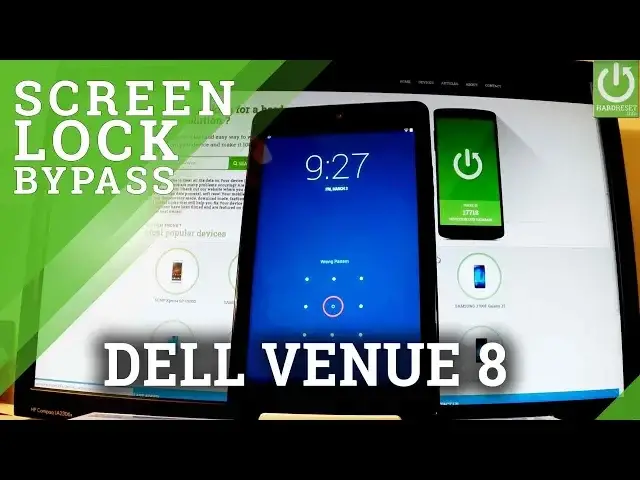
Here I have Dell Venue 8 and let me show you how to accomplish hardest operation in this
0:08
device and how to bypass and remove screen lock or pattern protection from this phone
0:13
from this tablet. So at the very beginning let's hold down power key for a few seconds, keep holding power
0:18
button and from the following screen let's choose power off and tap ok to confirm it
0:23
Wait until your device will be completely switched off and afterwards you have to use
0:27
the following combination of keys, power key and volume down, so let's hold down together
0:32
these two keys for a few seconds, keep holding both keys and release them as soon as Dell
0:40
logo pops up. Excellent, as you can see the bootloader just appears in front of you, you can navigate
0:53
here by using both volume keys, so let's scroll down to choose recovery, the third option
0:59
right here and simply press power button to confirm this. Wait a couple of seconds and as you can see the Android No Command
1:18
robot pops up, so all you have to do right now is start holding power key and while holding
1:23
power press volume up once and the Android system recovery appears in front of you, you
1:28
can navigate here by using both volume keys, so scroll down to wipe data factory reset
1:33
right here and press power button to select it, then scroll down one more time to yes
1:39
delete all user data and press power button to choose it. Now the device is wiping data, the tablet is erasing all personal stuff and customized settings
2:07
Excellent, as you can see Android system recovery pops up one more time and now all you have
2:11
to do is press power key to reboot system now, so let's press power key and the device
2:17
is restarting and rebooting, the whole operation should take a while, so be patient, wait until
2:21
it's finished completely. Excellent, as you may notice the welcome panel just pops up in front of you, so it simply
2:41
means that the hardest operation is done. As you may also observe there is no button on the password protection, so you can start
2:47
easily activate your tablet. Thank you for watching, please subscribe our channel and leave thumbs up under the video