0:00
Hello! In front of me I have Fitbit Versa 4 and I'm gonna show you how to check the amount of the calories burned on this watch
0:12
First, we need to wake up the screen on our watch and you can do it by pressing the side button
0:17
After you wake up the screen, you should see the current watch face and once you see it, swipe left on the screen to scroll through the list of widgets
0:26
And one of them should be today's activity and on it you will see the amount of the calories burned during the day
0:33
You can also tap on the today's activity to open the today activity app and here you can scroll down and find the calories burned and you have the amount and how much it's left to reach the daily goal
0:49
If you tap on the calories burned, nothing will happen here I think. Yes, nothing will happen so that's all we can check on the watch
0:56
But you can also get more detailed information on the app if your watch is paired with the app
1:02
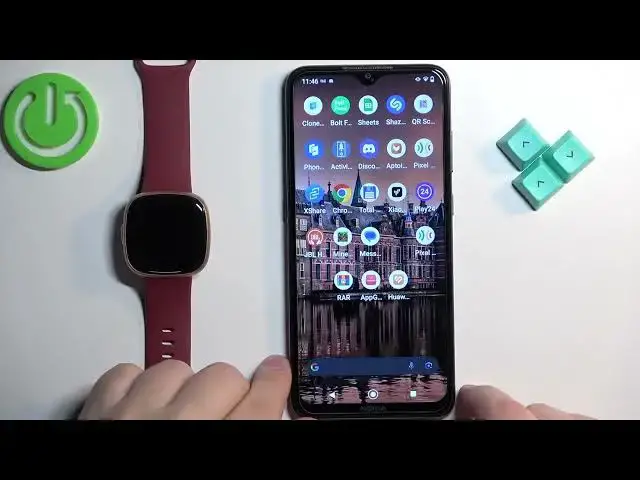
So we can move this to the side, bring the phone, zoom out the camera so you can see the whole screen like this
1:11
And now on the phone that is paired with our watch we can open the Fitbit application and in the app you should see today page
1:20
Now you can scroll down and find the energy burned and here we have the amount of calories burned during today
1:27
You can tap on this and here we have more detailed information
1:31
We have the daily progress, weekly progress, monthly progress and the year progress
1:39
So you can check out information according to your liking. And once you're done you can close the app
1:47
And that's how you check the amount of the calories burned on this watch
1:52
Thank you for watching. If you found this video helpful please consider subscribing to our channel and leaving a like on the video