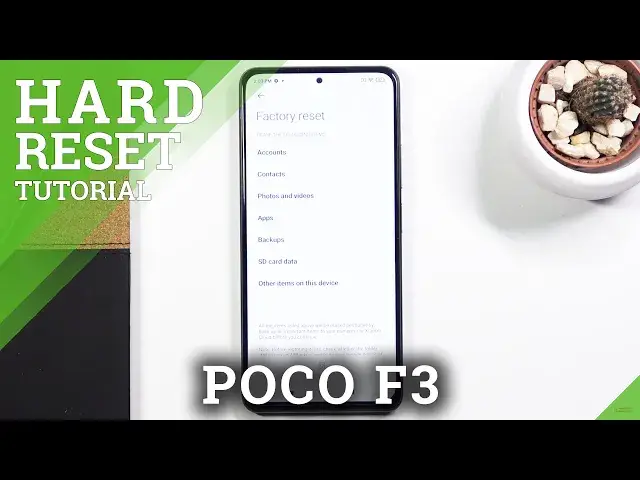

How to Factory Reset XIAOMI Poco F3 – Erase Personal Data & Customized Settings
Jul 13, 2024

Check out more info about XIAOMI Poco F3:
https://www.hardreset.info/devices/xiaomi/xiaomi-poco-f3/
Do you wonder how to erase personal data and customized settings in Poco F3? Are you looking for a solution to format Poco F3? In the presented tutorial, we teach you how to restore XIAOMI Poco F3 smoothly. If you need to bring back all the settings and configuration to factory state, follow attached instructions and learn how to get access to the settings that allow you to successfully accomplish factory reset in XIAOMI Poco F3. Follow uploaded tutorial and erase everything that is stored on XIAOMI Poco F3. Remember that this operation erases all personal data, content and customized settings and the changes will be irreparable. Visit our HardReset.info YT channel and discover useful tricks for XIAOMI Poco F3.
How to factory reset XIAOMI Poco F3? How to master reset XIAOMI Poco F3? How to wipe data in XIAOMI Poco F3? How to erase everything from XIAOMI Poco F3? How to remove passwords from XIAOMI Poco F3? How to unlock XIAOMI Poco F3? How to unlock screen lock in XIAOMI Poco F3? How to remove screen lock on XIAOMI Poco F3?
#FactoryReset #RestoreDefaults #XIAOMIPocoF3
Follow us on Instagram ► https://www.instagram.com/hardreset.info
Like us on Facebook ► https://www.facebook.com/hardresetinfo/
Tweet us on Twitter ► https://twitter.com/HardResetI
Support us on TikTok ► https://www.tiktok.com/@hardreset.info
Use Reset Guides for many popular Apps ► https://www.hardreset.info/apps/apps/
Show More Show Less