0:00
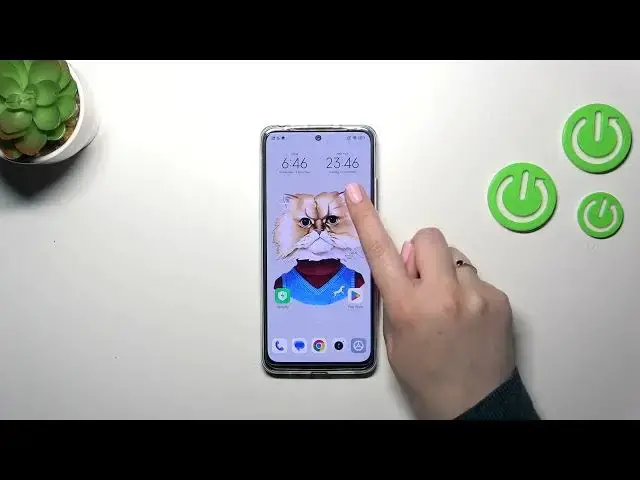
Hi everyone, in front of me I've got Xiaomi Redmi Note 12s and let me share
0:04
with you how to change date and time on this device. So first of all we have to enter the settings and then scroll down in order
0:16
to find additional settings. Then let's tap on date and time and as you can see
0:21
here we've got some options which are right now inactive. It is because we are
0:25
using the time and the time zone set automatically. So first of all we have to
0:29
turn off both of those options. I believe they are network-based. So as you can see
0:35
right now the date, time and the time zone are active so we can freely tap on it
0:39
and here just by swiping change the date, confirm it with OK. The same situation
0:44
with the time, just by swiping tap on OK and as you can see it will be
0:48
immediately applied to the status bar. The same situation with the time zone
0:53
and just tap on it and here we've got full list of available ones so just find
0:58
yours and tap on it. For example this one. As you can see it will be immediately
1:03
applied again. However of course be aware that after changing the time zone the
1:07
time will also change according to it. You can use location to set time zone up
1:12
to you. The time format right now it is automatic which is based on the system
1:17
language however you can always set it manually so you can decide whether you
1:20
want to be it 12 hours or 24 hour format. Let me pick for example this one. The dual
1:27
clock. So basically it simply means that you will have one clock for the local
1:33
time, the time in which you're currently in and the second one you will pick
1:38
totally different place all around the world of your choice. So in my case it is
1:43
New York. You can decide whether you want to use it or not. If you don't want to
1:48
you can just turn it off. If you want to use it you will have to pick the second
1:52
clock. You will be able to pick the region and time zone also. Up to you. So
1:58
basically this is the whole management of date and time, the manual management. Of
2:02
course you can go back to our previous settings just by using those switches to
2:07
set everything automatically. Alright so that will be all. Thank you so much for
2:12
watching. I hope that this video was helpful and if it was please hit the
2:16
subscribe button and leave the thumbs up