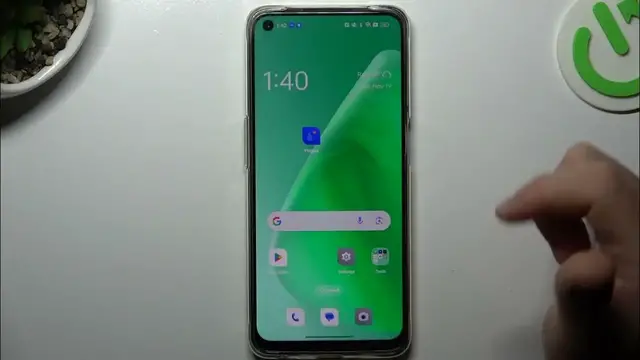

How To Hide Icon Notification Dots On Oppo A95
Jan 18, 2024

Find out more about Oppo A95 : https://www.hardreset.info/devices/oppo/oppo-a95/tutorials/
Customize your notification experience on the Oppo A95 by learning how to hide icon notification dots. This guide provides step-by-step instructions to help you tailor the appearance of your app icons on the home screen, ensuring a clean and minimalist look. Whether you prefer a clutter-free interface or want to manage notifications differently, this tutorial covers the intuitive process of hiding notification dots on your Oppo A95. Watch, learn, and enjoy a personalized and distraction-free home screen experience!
How do I hide icon notification dots on Oppo A95?
Is there a specific settings menu for managing notification dots on this device?
Can I customize notification dot settings for individual apps?
What changes occur on the home screen when I hide notification dots?
How do I revert to the default or original notification dot settings on Oppo A95?
#OppoA95 #Oppo #oppophone
Follow us on Instagram ► https://www.instagram.com/hardreset.info
Like us on Facebook ► https://www.facebook.com/hardresetinfo/
Tweet us on Twitter ► https://twitter.com/HardResetI
Support us on TikTok ► https://www.tiktok.com/@hardreset.info
Use Reset Guides for many popular Apps ► https://www.hardreset.info/apps/apps/
Show More Show Less