0:00
Hi, welcome to Hardware Easy Dinofar Channel, dear viewers
0:03
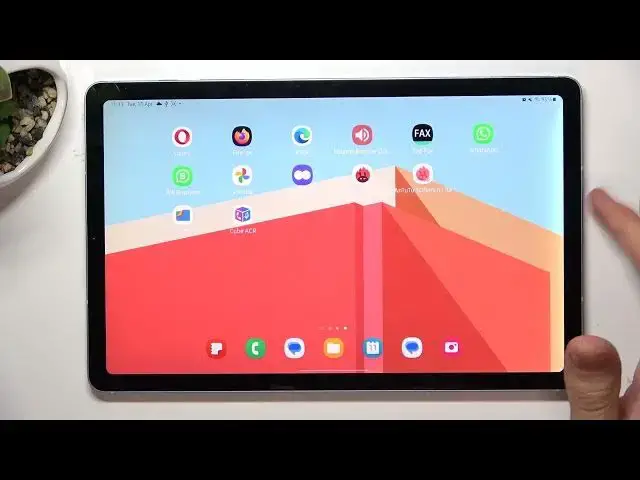
In front of me Samsung Galaxy Tab S6 Lite. And now I'm going to show you how to record calls on this device
0:11
How to record calls from WhatsApp, from the normal phone application, from Viber, Telegram and other calling apps
0:23
So firstly you need to open the Play Store. Then find here in the Play Store CubeACR application
0:32
or other else automatically call recorder app. I suggest you to try Call Recorder CubeACR
0:40
because you can use this application completely for free and you don't need to pay for primary features
0:51
So wait until this app will be installed. Open. Next, grant permissions while using the app
1:05
Hello, wait a while, choose enable app connector. Settings will be opened
1:11
Then you need to scroll down, find here install the apps, find here CubeACR app connector and enable it
1:20
Then choose allow, OK, go it, allow. And you don't need to provide the location access, click no thanks
1:28
and click on the cross on the left top corner. And great, now all your calls will be automatically recorded
1:34
but if you don't have the root access on your device, your calls will be recorded automatically
1:42
So if you have any questions, you can ask me in the comments section below
1:48
Your calls will be recorded only using the microphone. So if you want to record your voice and the voice of your communication partner
1:57
you need to use loud mode when speaking. So then I suggest you to block this application in the RAM
2:08
So to do it, you need to swipe from down to up and hold to open recent apps
2:13
Then click on the CubeACR icon, not on the CubeACR application but just on the icon, then choose lock this app
2:26
Here you will see the lock icon and it means that your application
2:31
will always in your RAM and it will always ready to record calls
2:39
That's it, thanks for watching, like this video, subscribe to our channel and bye, see you