0:00
Welcome, I'm Filomena Zelenovu, TAB P11 and today I'll show you how you can
0:05
hard reset this device through recovery mode. Now what this will allow you to do is get rid of for instance screen locks
0:16
that you have set that you might not know anymore. Now additionally if your
0:20
device is also logged into a Google account this will unfortunately mean
0:24
that the device will become FRP locked and what that actually means is when
0:29
the reset is finished and you're going through the setup process of your
0:33
tablet at one point it will tell you that you need to connect to your network
0:37
and from there it will tell you to verify one of the previous locking
0:42
methods of this device which would be either screen lock or Google
0:47
account. So you can choose either one and this will just simply force you to
0:53
either log in with the old account that is logged into this device before the reset or use the pin pattern password that is set right now. So for me this
1:03
device will become locked. I will do this purposefully though because I do
1:09
also have a video coming on how you can bypass this if you don't know either one
1:14
of those. So if you're interested in this stay tuned that will be in next video
1:17
Now to get started I'm gonna lock the device so you can see I do have a
1:25
pattern set right over here. As you can see it's trying to read my face. It's not
1:30
gonna recognize it because it's actually not the face that is added right here
1:34
not mine. So yeah you can see that it just won't work. So to get started let's
1:40
turn off our tablet by holding power key and then selecting power off and once a
1:47
tablet turns off you want to hold power and volume down at the same time. Come on
1:55
focus camera stop it. There we go. So power and a volume down. You will feel a
2:03
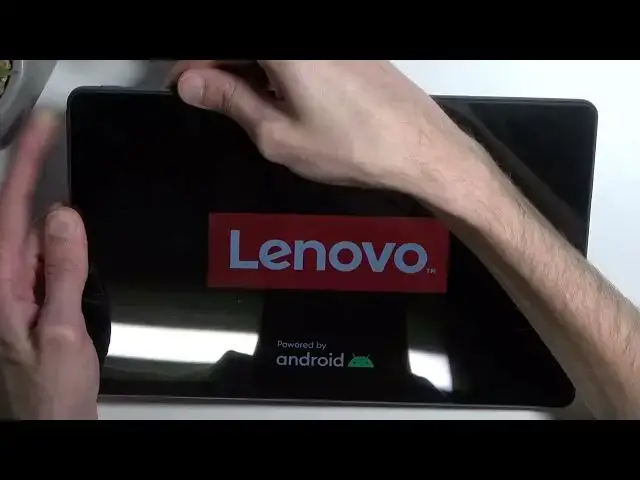
vibration and once you see the Lenovo logo you want to immediately let go of
2:08
these keys. So this will take you to the boot mode. So from here using volume keys
2:14
you want to scroll down and select recovery mode. It's barely visible
2:20
Maybe find out like kind of see it. There we go. So once it's visible right here
2:26
confirm it with power key. Alright this is also going to be in this kind of mode
2:35
There we go. So once in here you want to use again volume keys to navigate. In
2:41
order to select wipe data factory reset confirm it with power key and before I
2:47
select it I'm just gonna flip it over just so you can see the bottom of the
2:51
screen as well. Confirm that. You can see formatting data and the next thing you
2:57
should see is data wipe complete. At what point reboot system now will be selected by default somewhere like right here. There we go. So from here press
3:07
power button once more and this will just initiate or reboot of the device
3:12
and continue the reset of it in the background. Now one more thing that I
3:19
will do is I'll plug it into to my charger because the battery is quite
3:24
low it's at like 15% or something like that so I do want to charge it up while
3:30
it's doing this just so there is no problem for me later on. But I'm probably
3:34
certain that in your case your device is probably charged already. Now anyway I'm
3:42
gonna let this run through this will take several minutes to finish up and once it's completed I should be presented with Android setup screen so
3:49
I'll be back once that is visible. And as you can see the process is now finished I'm resetting your device and
4:00
you could set it up however you want. Now like I mentioned before as well for me
4:05
this device will become FRP locked and it did. You can see this little lock right
4:09
here that signifies that it is locked which I'll be making a video after this
4:14
one on how you can bypass this. Now going back to this one if you found this
4:19
very helpful don't forget to hit like subscribe and thanks for watching