0:00
Hi everyone, here we've got Samsung Galaxy M11 and let me show you how to change the
0:10
wallpaper on this device. So first of all let's open the list of apps and enter the settings
0:16
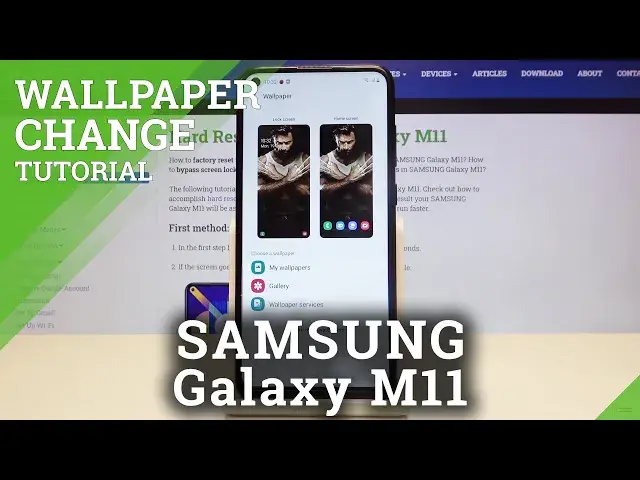
Now let's scroll down and tap on the wallpaper and as you can see here we've got the preview
0:20
of the lock screen and home screen so here we will be able to check how the chosen wallpaper
0:26
looks like. And under it we've got the choose wallpaper option so we can choose the wallpaper from
0:31
my wallpapers and here we've got some defaultly installed ones. We can choose something from our own gallery so you can set your own photo as a wallpaper
0:41
or we can choose it from wallpaper services. What's more if you're connected with the internet you can tap on explore more wallpapers and
0:49
let me get back. Let's tap on it again and as you can see here we've got a lot of wallpapers from which we
0:55
can choose and download something. But let me get back and let's choose something from defaultly installed ones and as you can
1:02
see here we've got some options to choose from. If you are ready to choose something simply tap on it for example this one
1:09
And now as you can see we can decide where we want to set our wallpaper so we can apply
1:14
it on our home screen, lock screen or both. So let me pick for example only the home screen
1:20
Let's tap on it. This is the preview so let's tap on set as home screen
1:27
Now let's get back and as you can see it is immediately applied to our home screen
1:32
Let's check it and it is also visible here. So that's all
1:37
This is how to change the wallpaper in your Samsung Galaxy M11
1:40
Thank you so much for watching and if you find that this video was helpful please hit
1:44
the subscribe button and leave the thumbs up