0:00
Welcome and follow me is a Samsung Galaxy A23 and today I'll show you how
0:05
you can boot this phone into recovery mode. Now disregard that it's getting my phone ready I don't really care it's been
0:16
doing that for a little bit too long and honestly Samsung setup can go f itself so
0:21
I'm just gonna begin. So number one we will need a cable for this plugged into
0:25
a computer and number two you want to turn off your phone so hold the volume
0:29
down and power key and then select power off. Now once the phone turns off you can
0:39
hold volume up, plug in the device. You can see I'm holding volume up. Also I
0:46
guess add power key. So I don't think it's gonna do anything right now because
0:51
Samsung has such an outstanding technology that before it shows me what
0:56
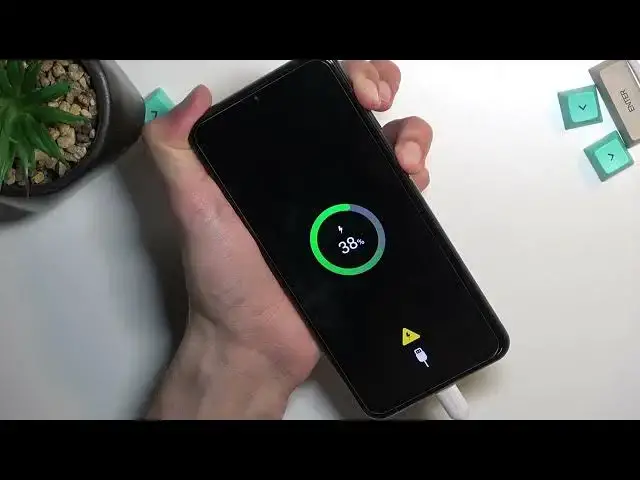
my presented battery is right here I can't do anything so let's hold it once
1:01
more now that it's chosen showed me. Great now we can proceed further. So when
1:07
you see the Samsung it will add the Galaxy at which point you can let go of the power key but keep holding volume up. And there we go as you can see we are now
1:15
in the recovery mode. Now in this mode you will need to use volume keys to
1:20
navigate up and down through the options and going quickly through all of them
1:23
First one is reboot system now which takes us back to Android. Then we have
1:28
reboot to bootloader which does absolutely nothing because this phone doesn't have a bootloader. We have apply updates from ADB or SD card, wipe data
1:37
factory reset, wipe cache partition, mount system, view logs, run tests, power off
1:43
the device and also repair apps. So that's all the options we have right
1:47
here and I did mention we navigate using volume keys but we also confirm
1:51
options using power key. So because I want to leave this mode now there's
1:55
nothing more to show here. I'm gonna select first option and reboot system now, confirm it with power and as you can see it takes me back
2:07
So as you can see we are now back in Android though I am back in my setup
2:12
Anyway if you found this video helpful don't forget to hit like, subscribe and